← すべてのスキル
ブランドイントロ
ブランドを一度学び、そのブランドでロゴアニメーションとオープニングを作る。サウンドロゴ付き。
使い方
- 1インストール用プロンプトをコピーして、エージェントに貼り付けます。
- 2エージェントが mo doctor で Node.js・FFmpeg・Chrome を確認し、足りないものがあれば入れ方を案内します。
- 3素材を渡すと、お使いのパソコンで MP4 を書き出します。直したいところは言葉で伝えるだけです。
Claude Code、Codex、Cursor などスキルに対応したエージェントに貼り付けてください。
このスキルで作った映像
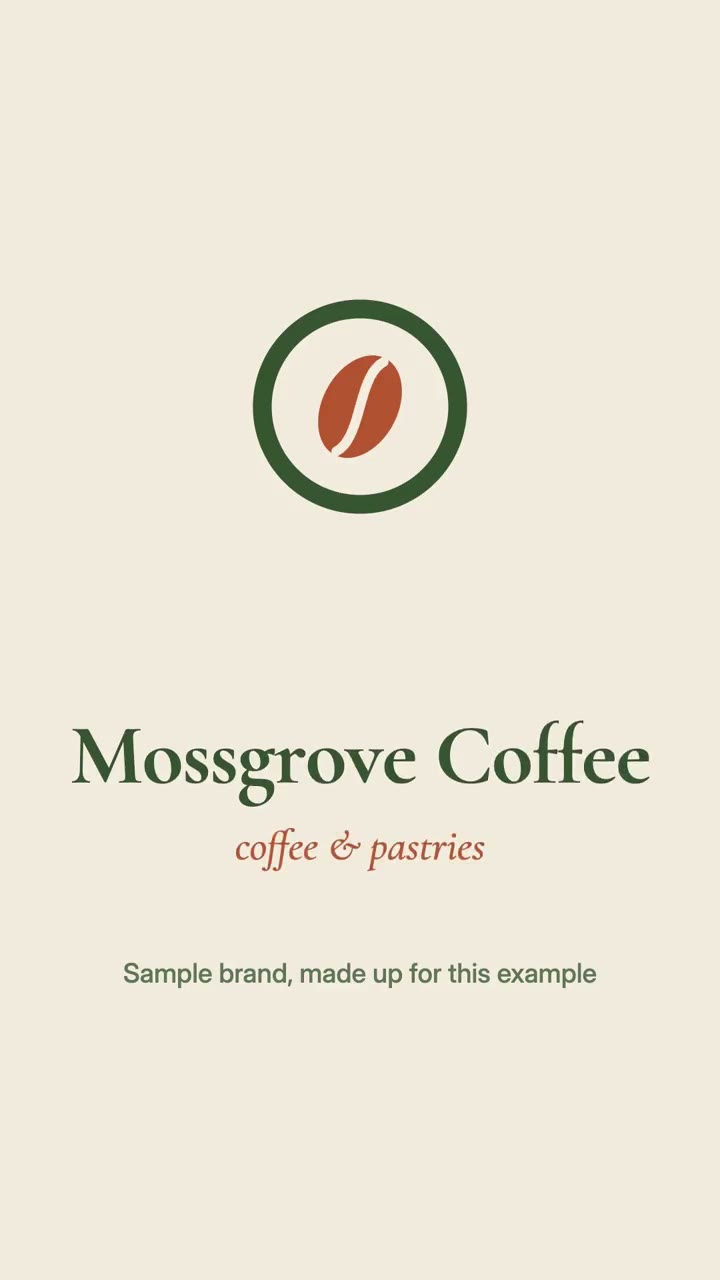
始めるのに必要なのは
API キー不要これだけで始められます
- ロゴやブランド素材
依存環境
Node.js 22+、FFmpeg、Chrome。API キー不要。
始める前に、エージェントが mo doctor で Node.js・FFmpeg・Chrome を確認し、足りないものは入れ方を案内します。このスキルにほかに必要なもの(字幕用の whisper など)があれば、説明に書いてあります。
プロンプト例
Use the brand-director skill to make a 5-second logo sting for our brand from public/logo.svg, with 1:1 and 9:16 cuts.
スタイルプロンプト(Claude Motion または Opus 5.5)
Make a 5-second 16:9 logo sting for [brand], plus 1:1 and 9:16 cuts for [who will watch, e.g. people who see our videos]. Use the logo SVG, colours and fonts I attach, exactly as they are. Use only the name, logo and colours I give below; don't change a word or number. End on the logo held for 1 second.

The logo should arrive through one move that comes from its own shape (a line that draws, a shape that folds), settle by 3 seconds and hold, with the name in our display font. Write a three-to-five-note sound logo that lands on the settle.

Brand: [name]
Attach: [logo.svg, colours, fonts]
インストールは不要です。Claude Motion(Team または Enterprise)に貼り付けるか、Opus 5.5 に渡すと、近いルックになります。結果は実行のたびに変わります。スキルなら、手持ちの素材をもとに、お使いのパソコンで書き出します。