← Alle Skills
KostenpflichtigLaunch · Komplettfilm-Skill
Event-Promo
Was, wann und wo dein Event ist, mit Countdown.
Event-Promo: Beispielfilme und Stile →
So funktioniert's
- 1Kopiere den Installations-Prompt und füge ihn in deinen Agenten ein.
- 2Dein Agent prüft mit mo doctor Node.js, FFmpeg und Chrome und sagt dir, wie du Fehlendes installierst.
- 3Gib ihm dein Material. Er rendert ein MP4 auf deinem Rechner, und Änderungen beschreibst du in eigenen Worten.
Füge ihn in Claude Code, Codex, Cursor oder einen anderen Agenten ein, der Skills unterstützt.
Filme, die er gemacht hat
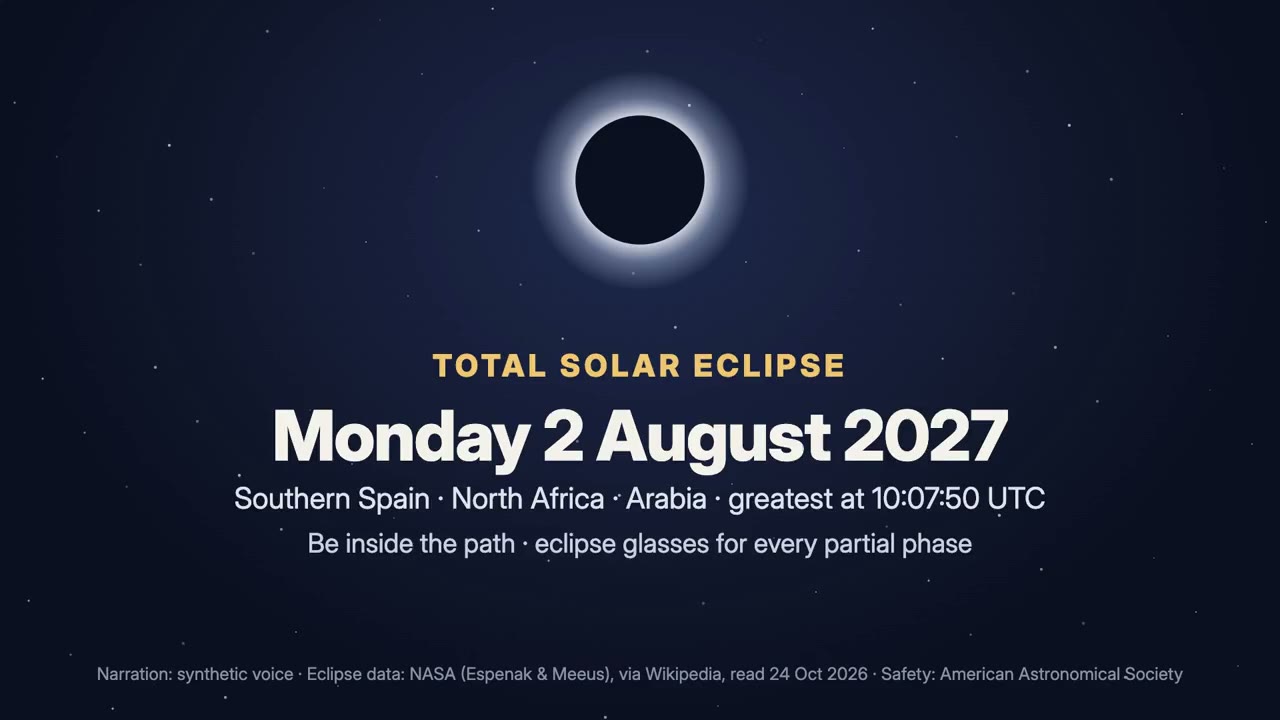
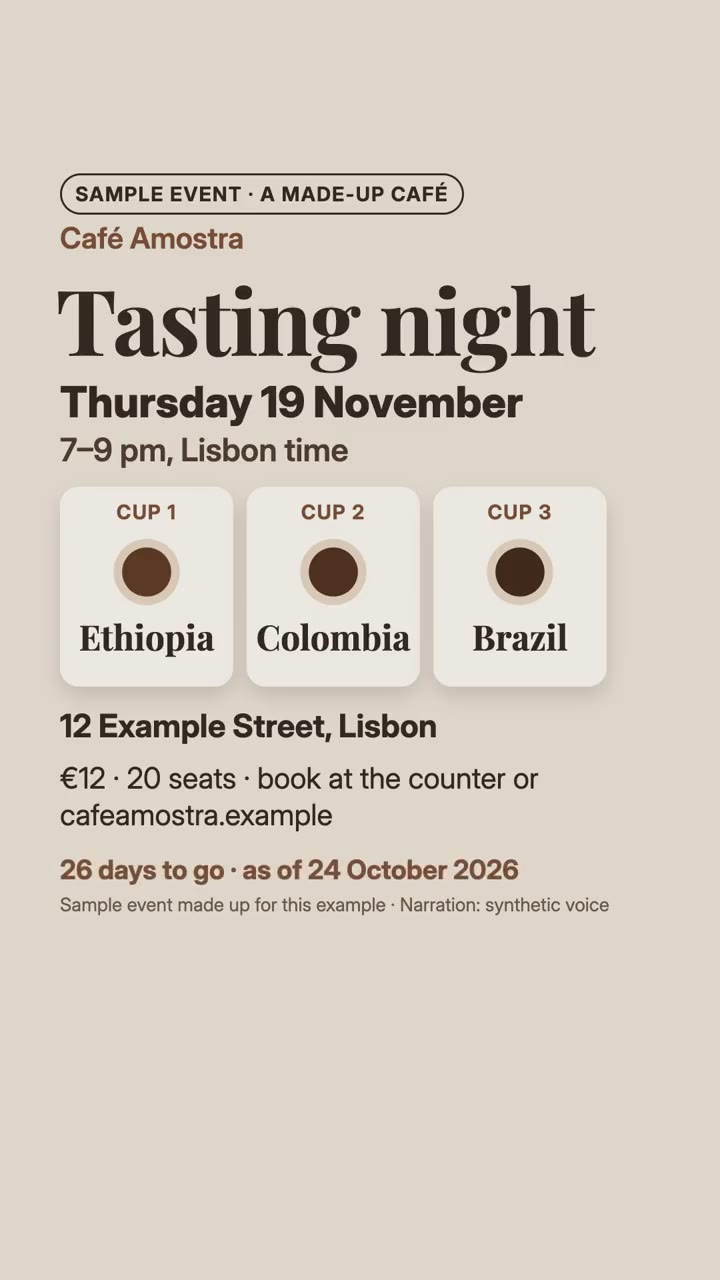
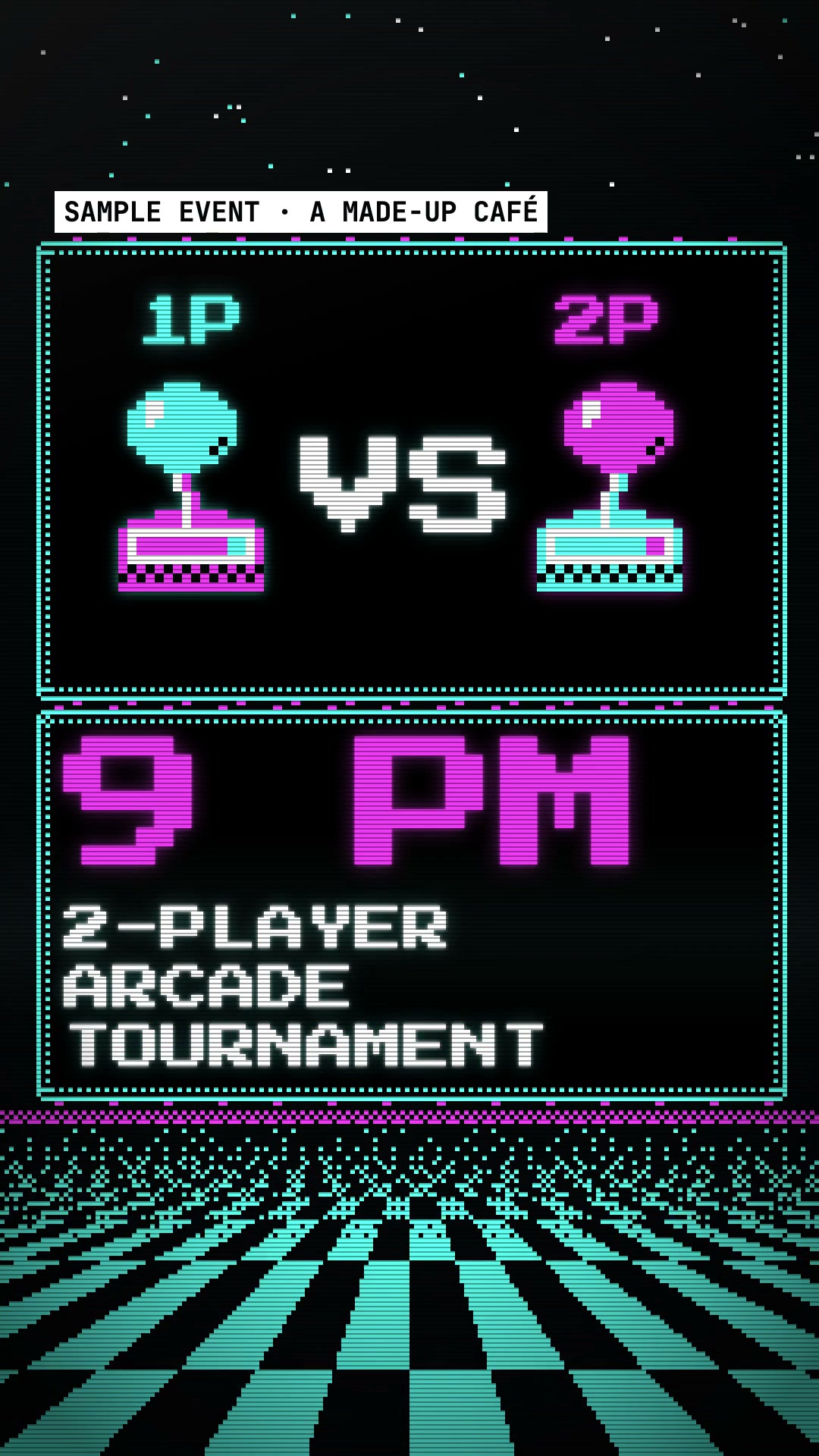
Mehr braucht es nicht
Kein API-SchlüsselEins davon reicht
- Ein Dokument, Artikel oder Skript
- Fotos und Bilder
- Ein Logo oder Branding
Abhängigkeiten
Node.js 22+, FFmpeg, Chrome. Keine API-Schlüssel.
Vor dem Start prüft dein Agent mit mo doctor Node.js, FFmpeg und Chrome und sagt dir, wie du Fehlendes installierst; braucht dieser Skill mehr (etwa whisper für Untertitel), steht das in seiner Anleitung.
Beispiel-Prompt
Use the event-director skill to make a 30-second countdown film for the total solar eclipse of 2 August 2027.
Stil-Prompt (Claude Motion oder Opus 5.5)
Make a 30-second 20–30 second [16:9 or vertical] promo for [event] for [who will watch, e.g. people who might come]. Take the facts from [organiser's page]: what, the weekday and date (computed), the time with its time zone, where, and how to join; make one reason to come visible; show the days to go with "as of" today; end on a frame with all four facts. Use only the event details I give below, word for word; don't change a word or number. End on what, when (weekday, date, time and zone), where and how to join, held for 3 seconds.
Nichts zu installieren: Füge ihn in Claude Motion (Team oder Enterprise) ein oder gib ihn Opus 5.5, für einen ähnlichen Look. Das Ergebnis fällt bei jedem Durchlauf anders aus; der Skill arbeitet mit deinem eigenen Material und rendert auf deinem Rechner.