← 全部 Skill
活動預告片
講清活動是什麼、何時何地,並倒數到開場。
怎麼用
- 1複製安裝提示詞,貼給你的 Agent。
- 2Agent 先執行 mo doctor,檢查 Node.js、FFmpeg 和 Chrome;缺什麼會告訴你怎麼裝。
- 3把素材交給它,它會在你的電腦上算圖輸出 MP4;想改哪裡,直接說。
貼到 Claude Code、Codex、Cursor 或任何支援 Skill 的 Agent。
用它做出來的片子
開始只需要
無需 API Key其中任何一樣就行
- 文件、文章或腳本
- 照片和圖片
- Logo 或品牌素材
執行環境
Node.js 22+、FFmpeg、Chrome。不需要 API Key。
開始前,Agent 會執行 mo doctor 檢查 Node.js、FFmpeg 和 Chrome,缺什麼會告訴你怎麼裝;如果這個 Skill 還需要別的(例如字幕要用的 whisper),它的說明裡會寫明。
範例提示詞
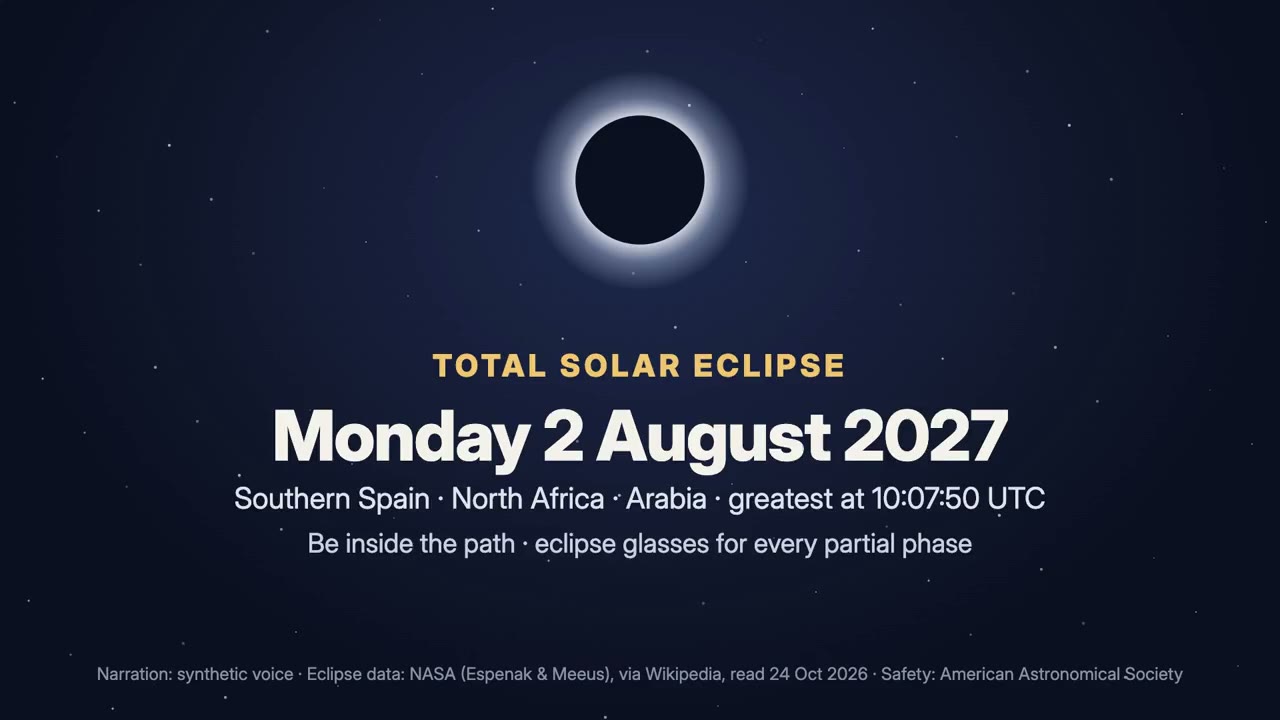
Use the event-director skill to make a 30-second countdown film for the total solar eclipse of 2 August 2027.
風格提示詞(Claude Motion 或 Opus 5.5)
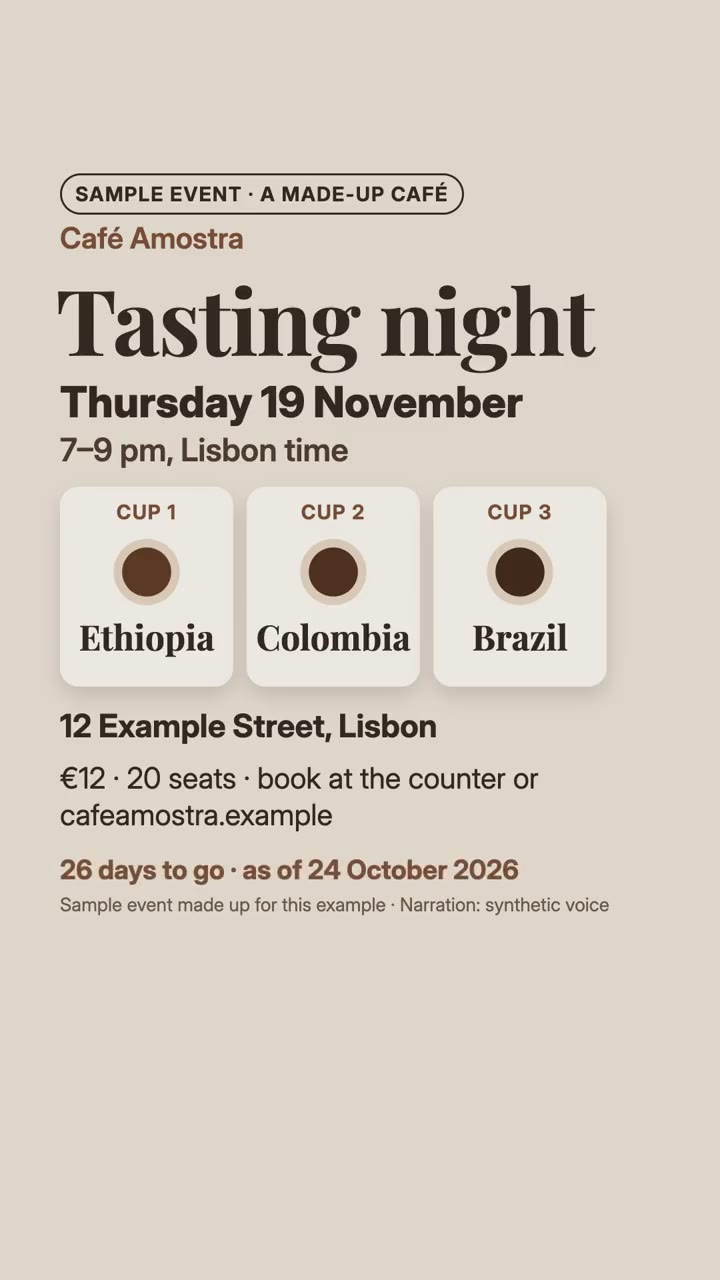
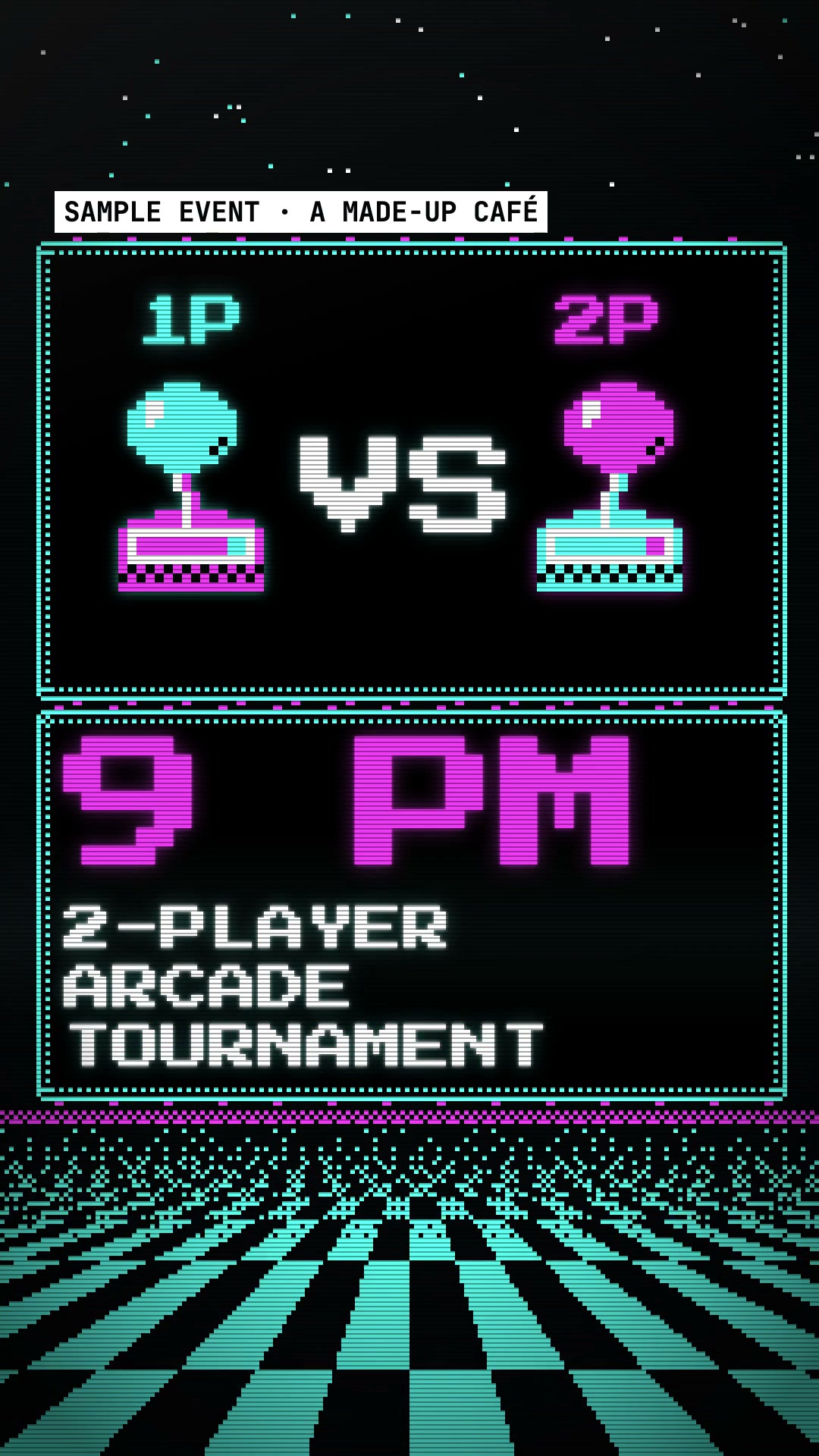
Make a 30-second 20–30 second [16:9 or vertical] promo for [event] for [who will watch, e.g. people who might come]. Take the facts from [organiser's page]: what, the weekday and date (computed), the time with its time zone, where, and how to join; make one reason to come visible; show the days to go with "as of" today; end on a frame with all four facts. Use only the event details I give below, word for word; don't change a word or number. End on what, when (weekday, date, time and zone), where and how to join, held for 3 seconds.
無需安裝:貼到 Claude Motion(Team 或 Enterprise),或直接傳給 Opus 5.5,就能得到相近的風格。每次執行結果會有差異;用 Skill 則根據你的素材,在你的電腦上算圖。