← Alle Skills
KostenpflichtigBerichte · Komplettfilm-Skill
Investoren-Update
Zugkraft, Plan und Bitte, jede Zahl aus deinen eigenen Daten.
Investoren-Update: Beispielfilme und Stile →
So funktioniert's
- 1Kopiere den Installations-Prompt und füge ihn in deinen Agenten ein.
- 2Dein Agent prüft mit mo doctor Node.js, FFmpeg und Chrome und sagt dir, wie du Fehlendes installierst.
- 3Gib ihm dein Material. Er rendert ein MP4 auf deinem Rechner, und Änderungen beschreibst du in eigenen Worten.
Füge ihn in Claude Code, Codex, Cursor oder einen anderen Agenten ein, der Skills unterstützt.
Filme, die er gemacht hat
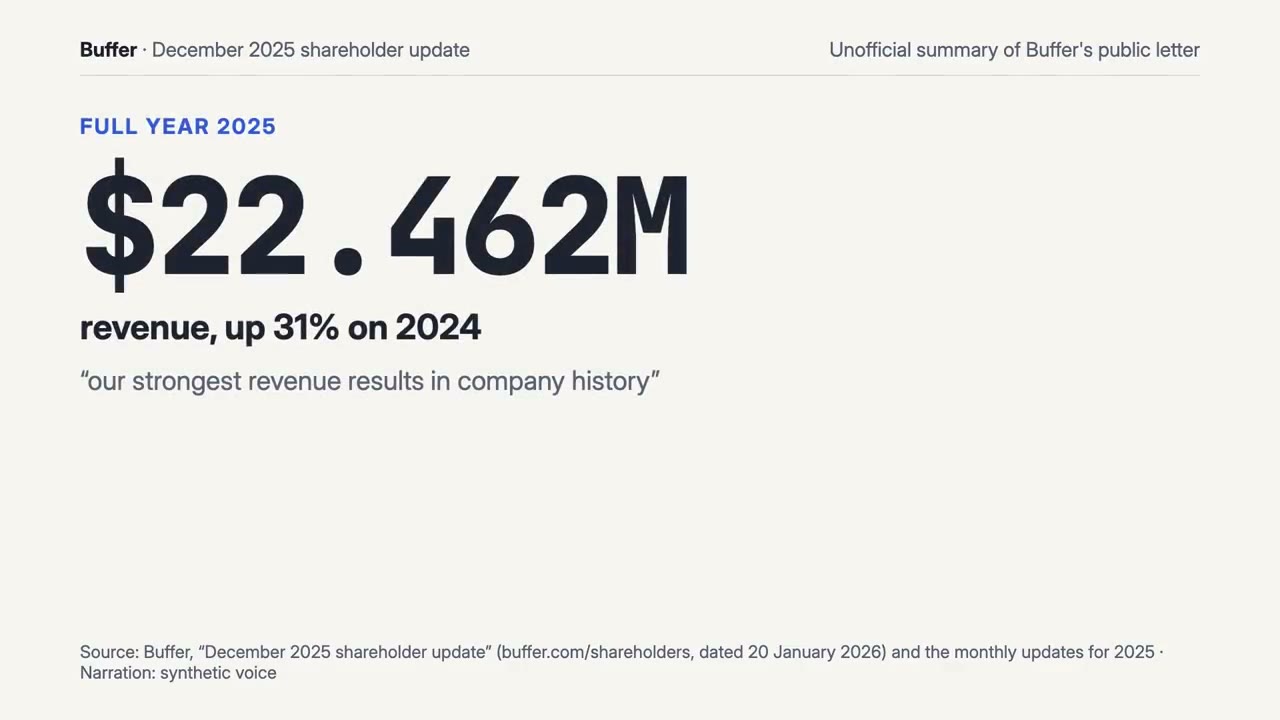
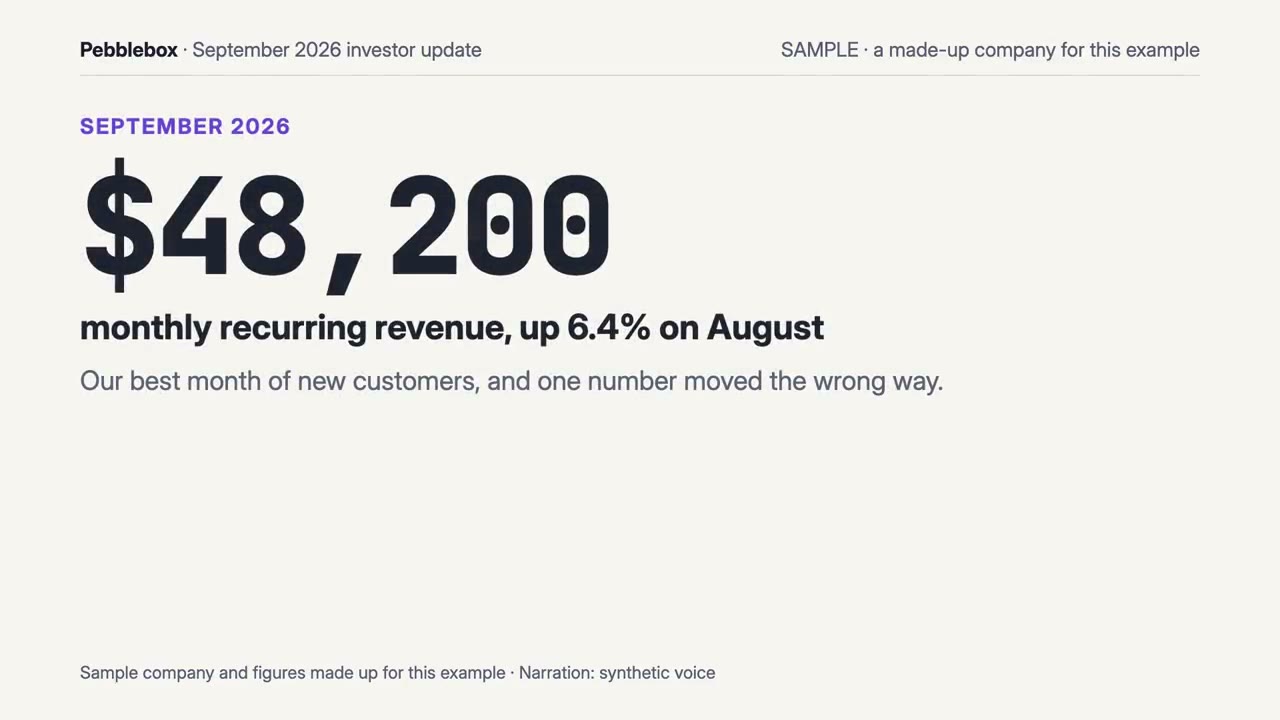
Mehr braucht es nicht
Kein API-SchlüsselEins davon reicht
- Eine Tabelle oder Daten
- Ein Dokument, Artikel oder Skript
Abhängigkeiten
Node.js 22+, FFmpeg, Chrome. Keine API-Schlüssel.
Vor dem Start prüft dein Agent mit mo doctor Node.js, FFmpeg und Chrome und sagt dir, wie du Fehlendes installierst; braucht dieser Skill mehr (etwa whisper für Untertitel), steht das in seiner Anleitung.
Beispiel-Prompt
Use the investor-director skill to make a 60-second investor update from our September metrics in ./metrics.csv and the notes in ./update.md.
Stil-Prompt (Claude Motion oder Opus 5.5)
Make a 60-second 16:9 investor update for [period] from [metrics export / finance summary / letter] for [who will watch, e.g. investors at the first meeting]. Headline first with its number; four to six key numbers with their change on [last month]; any fall shown and said as plainly as a gain; one honest chart with any change in counting marked; what shipped, what's next, and the ask (or no ask). Use only the figures and the method I give below; don't change a word or number. End on the ask and the one number that backs it, held for 3 seconds.
Nichts zu installieren: Füge ihn in Claude Motion (Team oder Enterprise) ein oder gib ihn Opus 5.5, für einen ähnlichen Look. Das Ergebnis fällt bei jedem Durchlauf anders aus; der Skill arbeitet mit deinem eigenen Material und rendert auf deinem Rechner.