← 全部 Skill
投资人更新
进展、计划和需求,每个数字都来自你自己的数据。
怎么用
- 1复制安装提示词,粘贴给你的 Agent。
- 2Agent 先运行 mo doctor,检查 Node.js、FFmpeg 和 Chrome;缺什么会告诉你怎么装。
- 3把素材交给它,在你的电脑上渲染出 MP4;想改哪里,直接说。
粘贴到 Claude Code、Codex、Cursor 或任何支持 Skill 的 Agent 中。
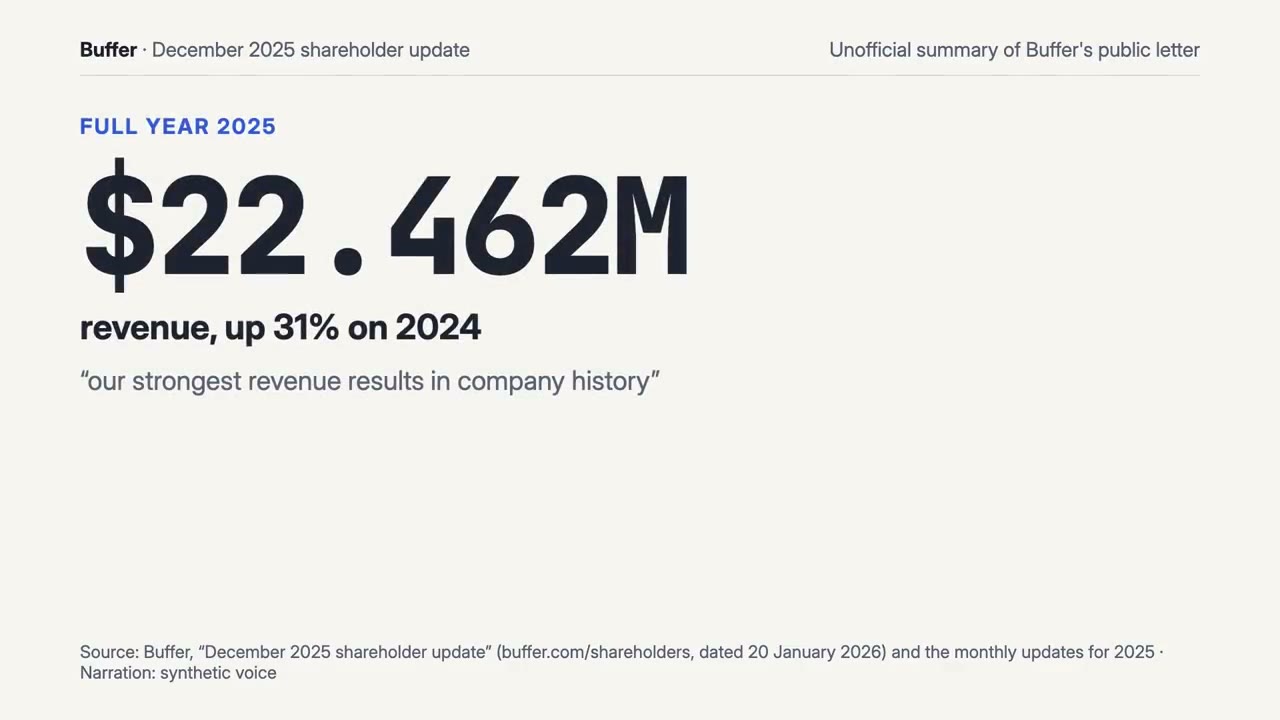
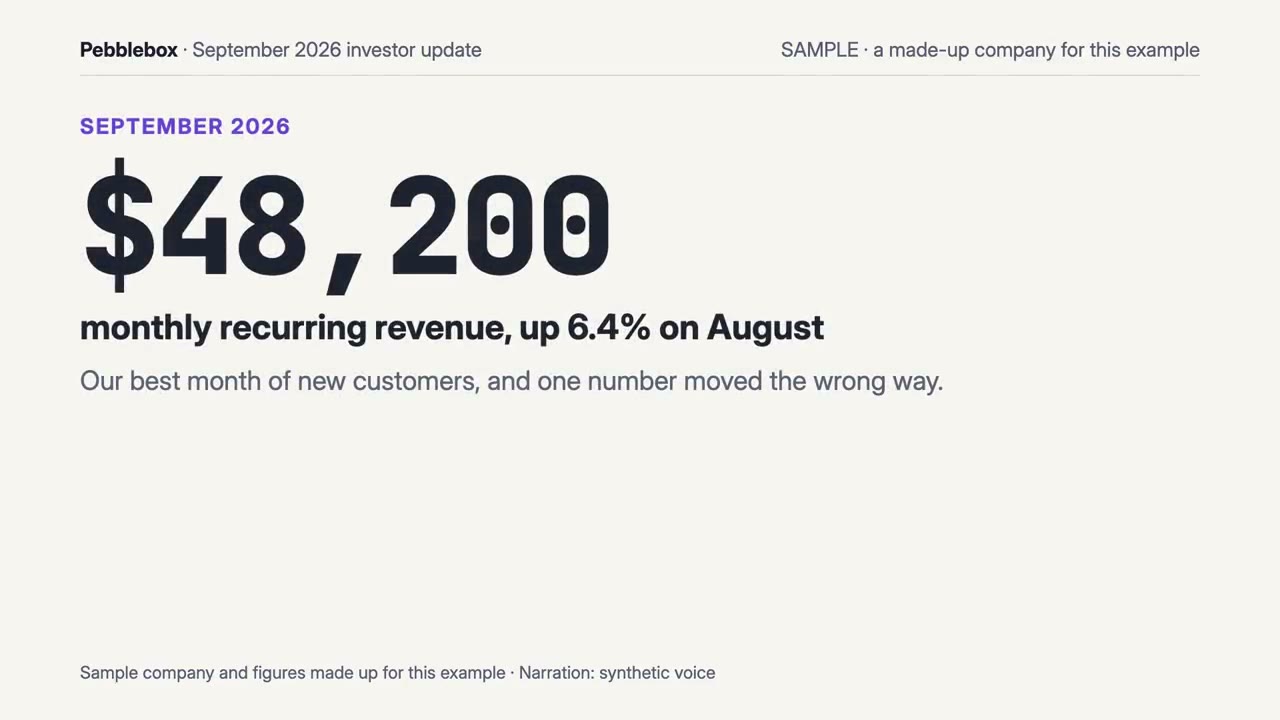
用它做出来的片子
开始只需要
无需 API Key其中任意一样就行
- 表格或数据
- 文档、文章或脚本
运行依赖
Node.js 22+、FFmpeg、Chrome。不需要 API Key。
开始前,Agent 会运行 mo doctor 检查 Node.js、FFmpeg 和 Chrome,缺什么会告诉你怎么装;如果这个 Skill 还需要别的(比如字幕要用的 whisper),它的说明里会写明。
示例提示词
Use the investor-director skill to make a 60-second investor update from our September metrics in ./metrics.csv and the notes in ./update.md.
风格提示词(Claude Motion 或 Opus 5.5)
Make a 60-second 16:9 investor update for [period] from [metrics export / finance summary / letter] for [who will watch, e.g. investors at the first meeting]. Headline first with its number; four to six key numbers with their change on [last month]; any fall shown and said as plainly as a gain; one honest chart with any change in counting marked; what shipped, what's next, and the ask (or no ask). Use only the figures and the method I give below; don't change a word or number. End on the ask and the one number that backs it, held for 3 seconds.
无需安装:粘贴到 Claude Motion(Team 或 Enterprise),或直接发给 Opus 5.5,就能得到相近的风格。每次运行结果会有差异;用 Skill 则根据你的素材,在你的电脑上渲染。