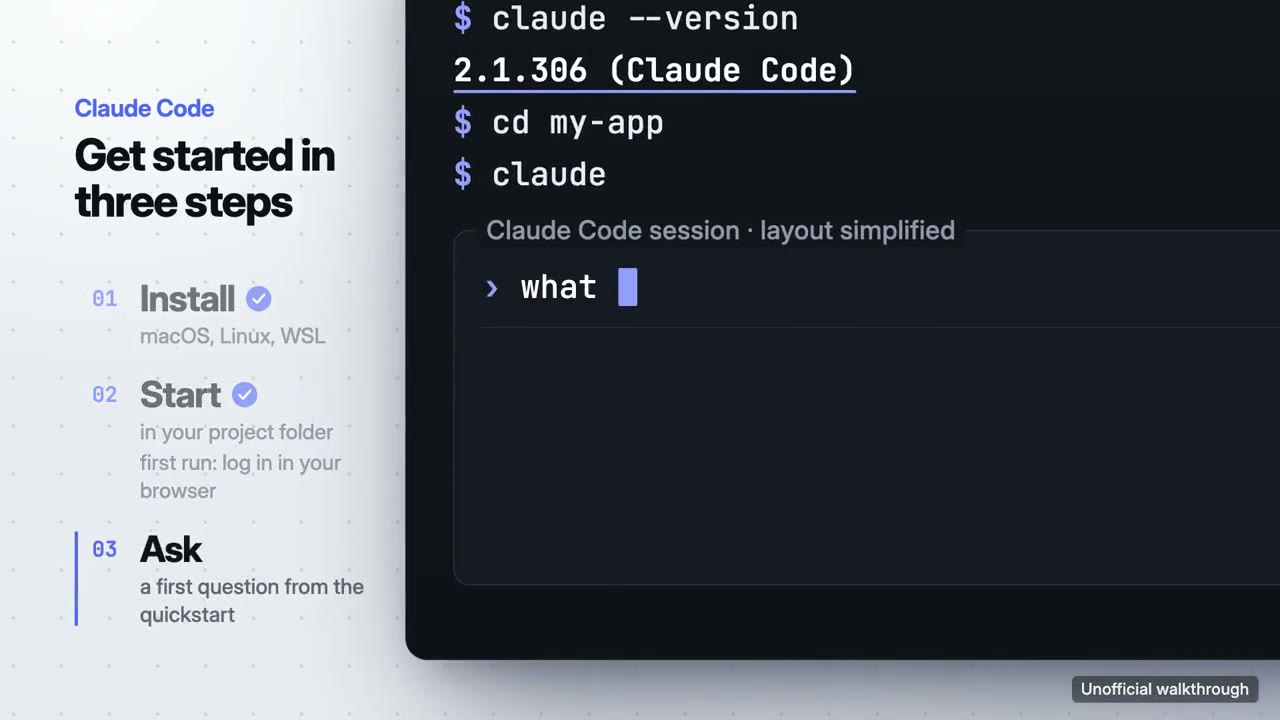
Install, start in a project, ask the first question: the official quickstart, with the real version output.
Example of Walkthrough Video16:9 · 29 s
Unofficial walkthrough, not made or endorsed by Anthropic.
Walkthrough Video
Picks the steps a new user needs and shows each one done for real.
Install it in your coding agent from its skill page: the install prompt, what it needs and the price are there.
Install or buy$4.90 once, with its updates · or every skill from $9.90 a month
Good fit for
- Onboarding: get started in three steps
- A feature demo for docs, a changelog or social
Not for
- Products with no interface to show
- Long tutorials that need minutes of narration
Use the walkthrough-director skill to make a 30-second onboarding walkthrough of this app in three steps, 16:9.
More example films
Start a Motion, ask for a change, export the MP4, from Anthropic's announcement and help article.
Example of Walkthrough Video16:9 · 30 s
Unofficial walkthrough, not made or endorsed by Anthropic.
Built-in styles
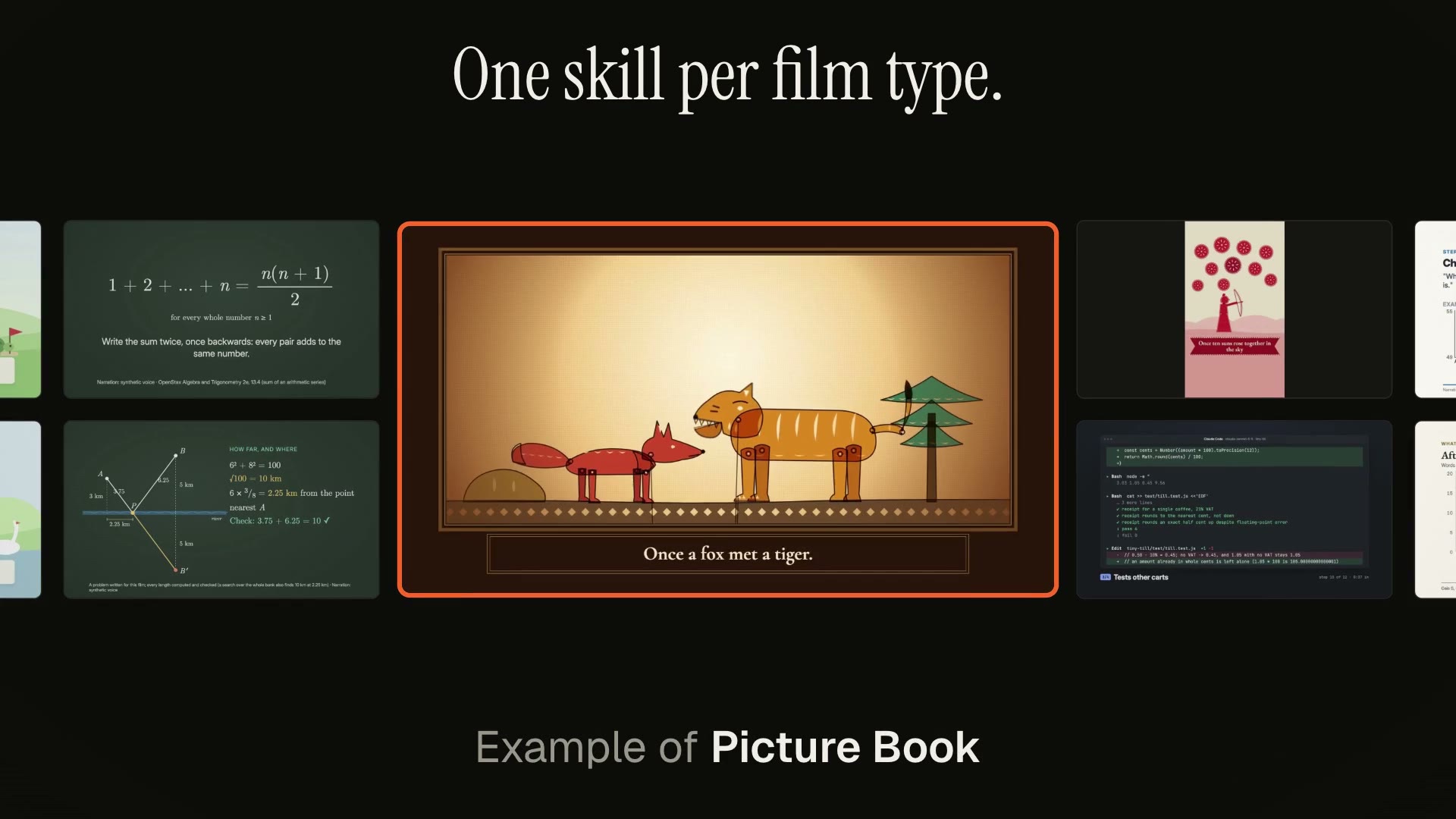
UI Walkthrough
Your real interface, a cursor with intent, a camera that follows the work.
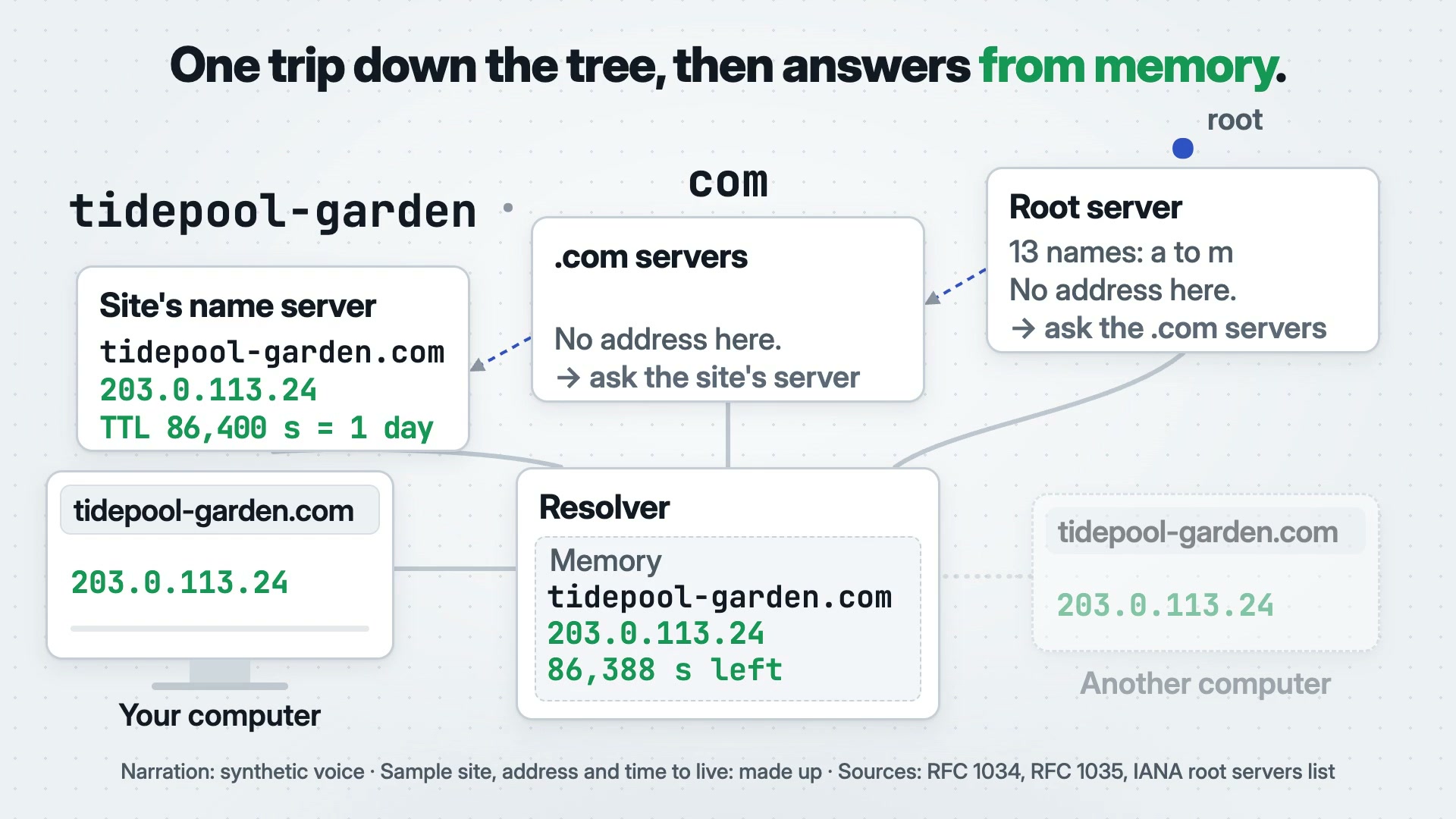
More in Launch
Full-film skill
Launch Video
Reads your project or site and directs its launch film, with music.
Built-in styles: UI Walkthrough · Card Montage · One Take · 3D Product · Liquid Glass · Kinetic Type
Full-film skill
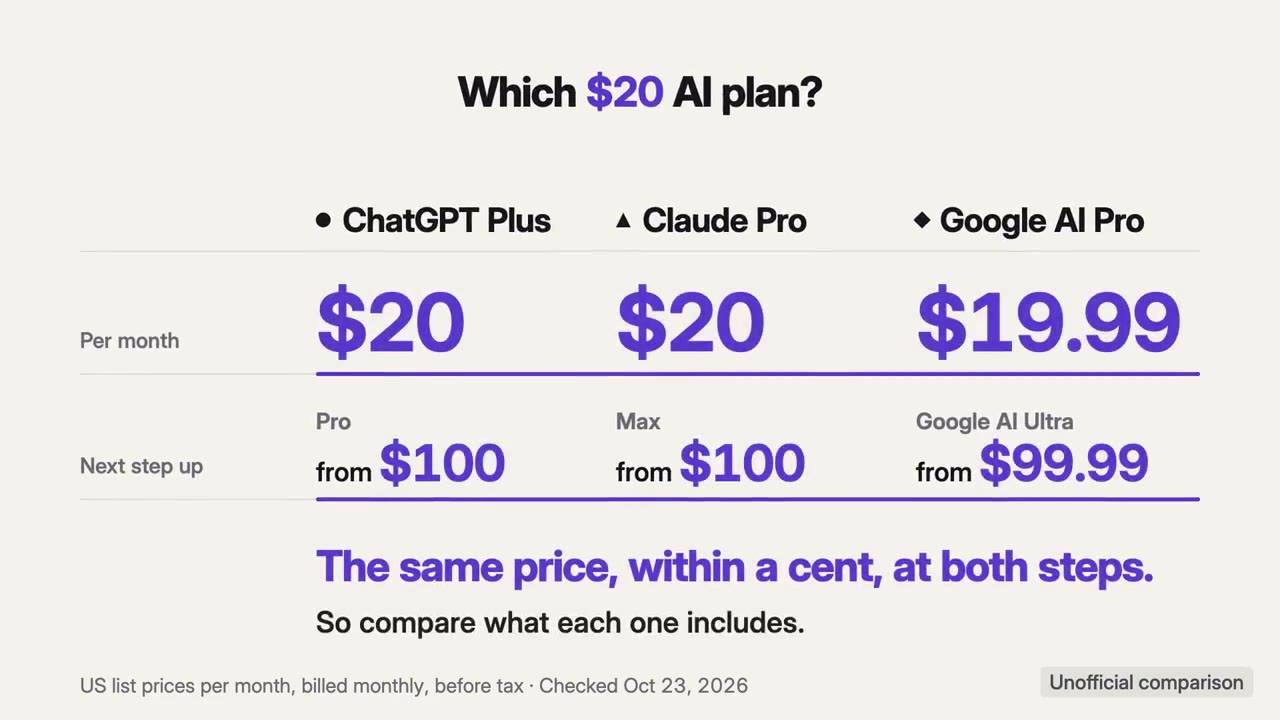
Comparison Video
Turns plans, prices or before-and-after into a fair side-by-side.
Built-in styles: Price Table · Modular Grid · Data Story
Full-film skill
Brand Intro
Learns your brand once, then makes stings and openers in it.
Built-in styles: Logo Motion · 3D Product · Kinetic Type
Full-film skill
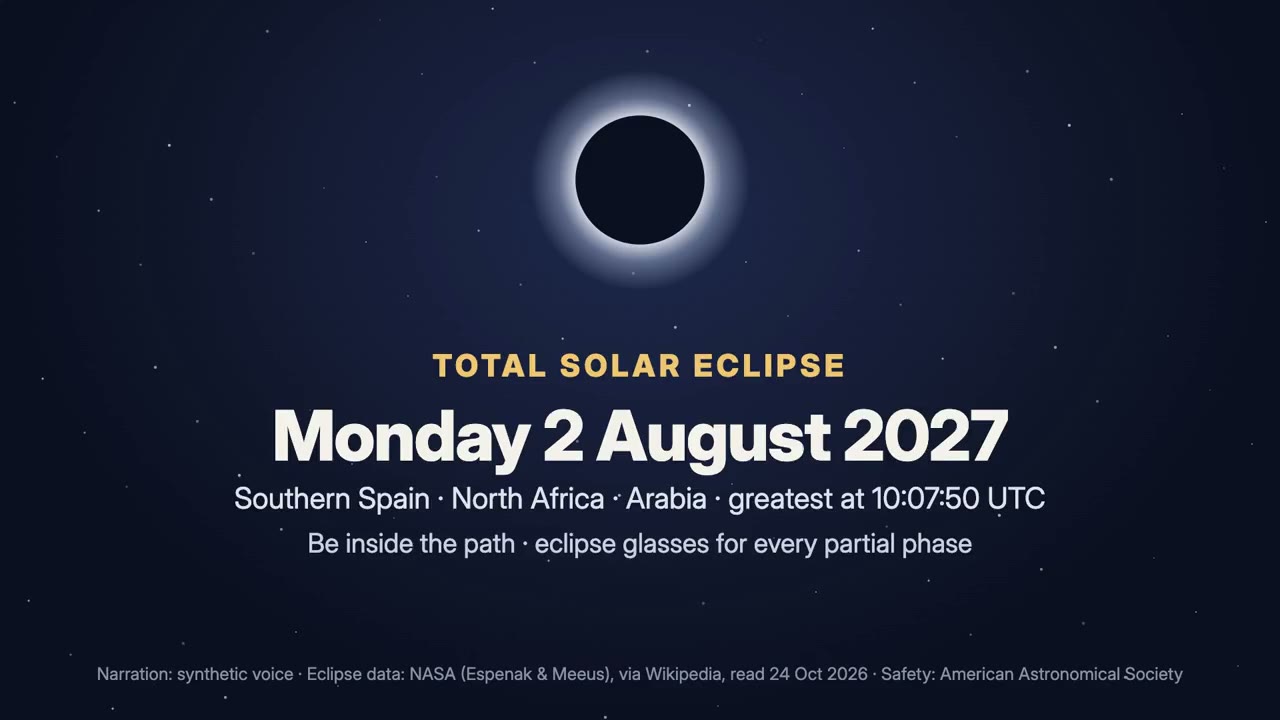
Event Promo
The what, when and where of your event, counting down to it.
Built-in styles: Kinetic Type · Card Montage · Retro Pixel
Full-film skill
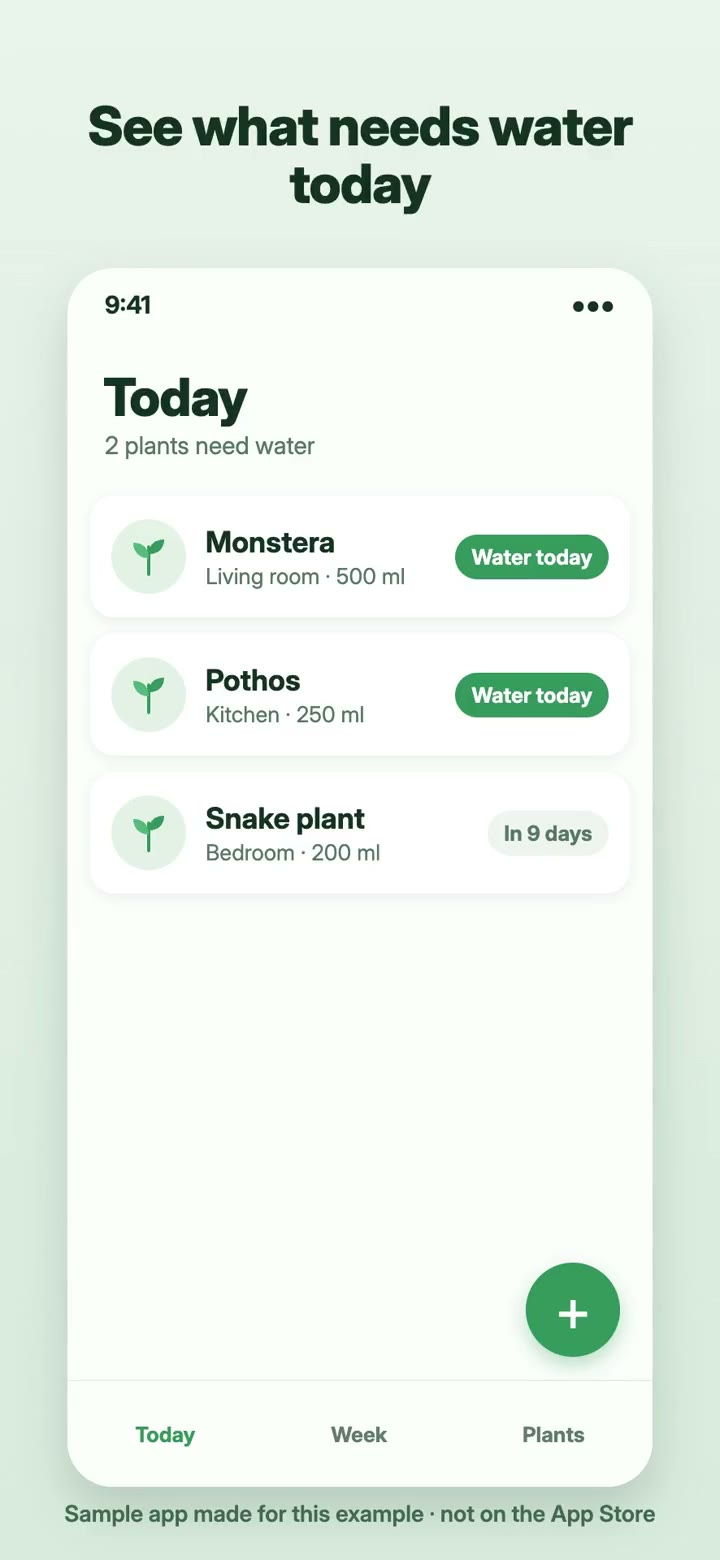
App Store Preview
Your app's best moments, cut to the store's rules.
Built-in styles: UI Walkthrough · Liquid Glass · Card Montage