← すべてのスキル
ハーフトーン印刷ローンチ
ローンチを刷り上げます。版が揺れながら見当を合わせ、網点が生きて動き、ドロップで実際のスクリーンショットが刷り上がります。
使い方
- 1インストール用プロンプトをコピーして、エージェントに貼り付けます。
- 2エージェントが mo doctor で Node.js・FFmpeg・Chrome を確認し、足りないものがあれば入れ方を案内します。
- 3素材を渡すと、お使いのパソコンで MP4 を書き出します。直したいところは言葉で伝えるだけです。
Claude Code、Codex、Cursor などスキルに対応したエージェントに貼り付けてください。
始めるのに必要なのは
API キー不要これだけで始められます
- サイトやアプリ
依存環境
Node.js 22+、FFmpeg、Chrome。API キー不要。
始める前に、エージェントが mo doctor で Node.js・FFmpeg・Chrome を確認し、足りないものは入れ方を案内します。このスキルにほかに必要なもの(字幕用の whisper など)があれば、説明に書いてあります。
プロンプト例
Make a halftone print launch for our app: our homepage screenshot, three features with a picture each, and the sign-up link.
スタイルプロンプト(Claude Motion または Opus 5.5)
Make a 20-second 16:9 retro print launch for [who will watch, e.g. writers and small teams], playing [where, e.g. our newsletter and X]. Use only the name, lines and screenshot I give; don't change a word. Warm paper background with fine grain.

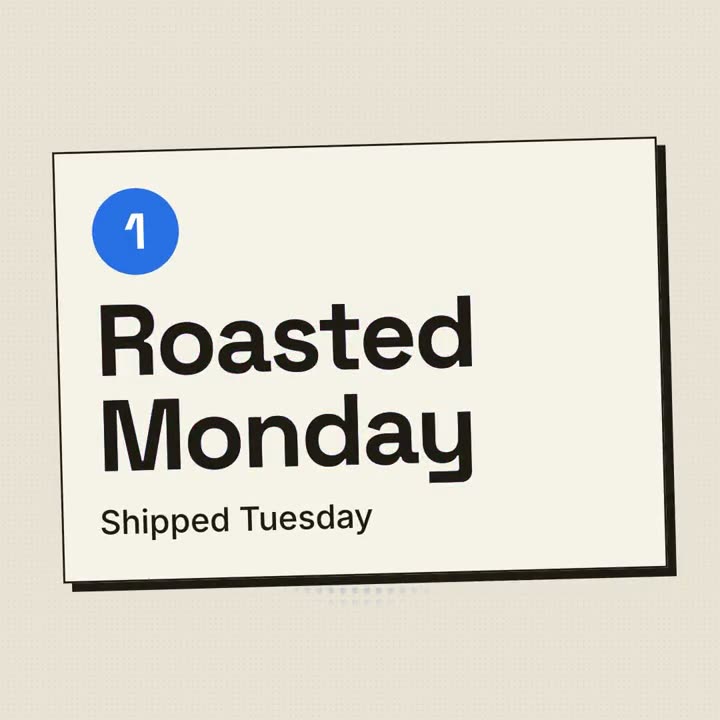
Scene 1: a red halftone-dot sun grows behind the huge black product name, whose cyan and magenta copies wobble out of register and snap into alignment. The tagline appears below. Scene 2: three cream posters with thick black borders and offset black shadows slide in one at a time, each with a red numbered circle and a feature title that snaps into register. Scene 3: the screenshot drops in with a halftone overlay. End frame: the name, a black call-to-action button with a red shadow, and a red starburst badge spinning slowly.

Product and tagline: [e.g. FOLIO, "Docs your team actually reads."]
Three features: [titles]
Call to action and badge: [e.g. "Start free", "NEW!"]
Attach: [a screenshot of your product]
インストールは不要です。Claude Motion(Team または Enterprise)に貼り付けるか、Opus 5.5 に渡すと、近いルックになります。結果は実行のたびに変わります。スキルなら、手持ちの素材をもとに、お使いのパソコンで書き出します。