← Todas as skills
Lançamento em retícula
Seu lançamento, impresso: chapas que tremem até o registro, uma retícula viva e a sua captura de tela real como prova no drop.
Como funciona
- 1Copie o prompt de instalação e cole no seu agente.
- 2Seu agente roda mo doctor para checar Node.js, FFmpeg e Chrome e diz como instalar o que faltar.
- 3Entregue o seu material. Ele renderiza um MP4 no seu computador, e você pede ajustes com suas palavras.
Cole no Claude Code, no Codex, no Cursor ou em qualquer agente que suporte skills.
Só precisa de
Sem chave de APISó isso já basta
- Um site ou app
Dependências
Node.js 22+, FFmpeg, Chrome. Sem chaves de API.
Antes de começar, seu agente roda mo doctor para checar Node.js, FFmpeg e Chrome e diz como instalar o que faltar; se esta skill precisar de mais (como whisper para legendas), as instruções dela avisam.
Prompt de exemplo
Make a halftone print launch for our app: our homepage screenshot, three features with a picture each, and the sign-up link.
Prompt de estilo (Claude Motion ou Opus 5.5)
Make a 20-second 16:9 retro print launch for [who will watch, e.g. writers and small teams], playing [where, e.g. our newsletter and X]. Use only the name, lines and screenshot I give; don't change a word. Warm paper background with fine grain.

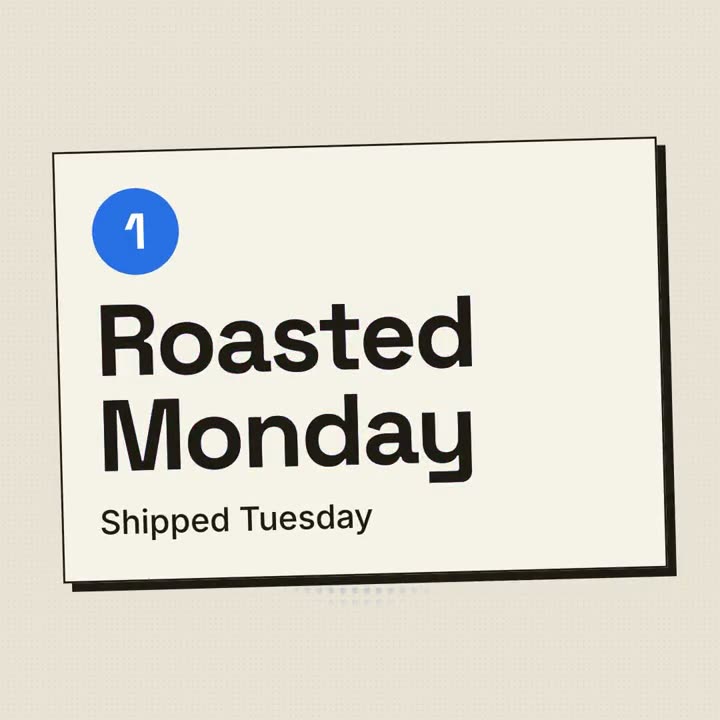
Scene 1: a red halftone-dot sun grows behind the huge black product name, whose cyan and magenta copies wobble out of register and snap into alignment. The tagline appears below. Scene 2: three cream posters with thick black borders and offset black shadows slide in one at a time, each with a red numbered circle and a feature title that snaps into register. Scene 3: the screenshot drops in with a halftone overlay. End frame: the name, a black call-to-action button with a red shadow, and a red starburst badge spinning slowly.

Product and tagline: [e.g. FOLIO, "Docs your team actually reads."]
Three features: [titles]
Call to action and badge: [e.g. "Start free", "NEW!"]
Attach: [a screenshot of your product]
Nada para instalar: cole no Claude Motion (Team ou Enterprise) ou dê ao Opus 5.5 para um visual parecido. O resultado muda a cada execução; a skill trabalha com o seu material e renderiza no seu computador.