← すべてのスキル
数学解説
一つの結論を画面上で導く。どの一歩もついていける。
使い方
- 1インストール用プロンプトをコピーして、エージェントに貼り付けます。
- 2エージェントが mo doctor で Node.js・FFmpeg・Chrome を確認し、足りないものがあれば入れ方を案内します。
- 3素材を渡すと、お使いのパソコンで MP4 を書き出します。直したいところは言葉で伝えるだけです。
Claude Code、Codex、Cursor などスキルに対応したエージェントに貼り付けてください。
このスキルで作った映像
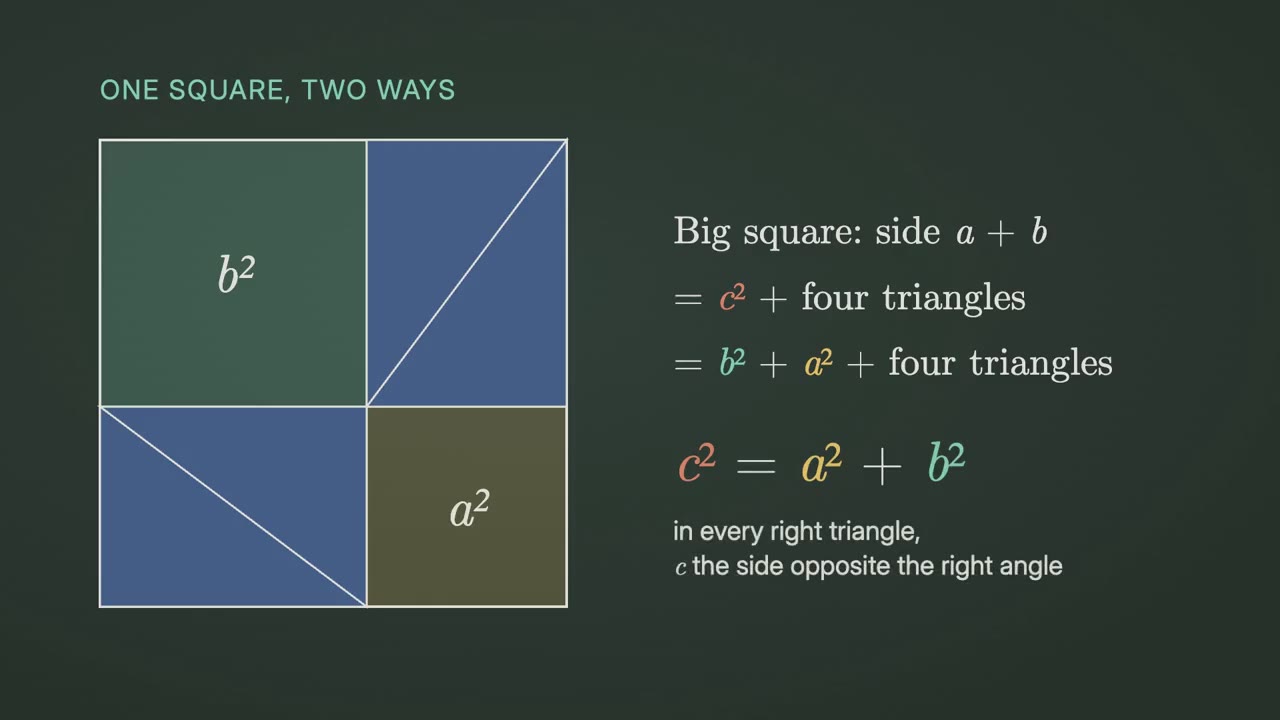
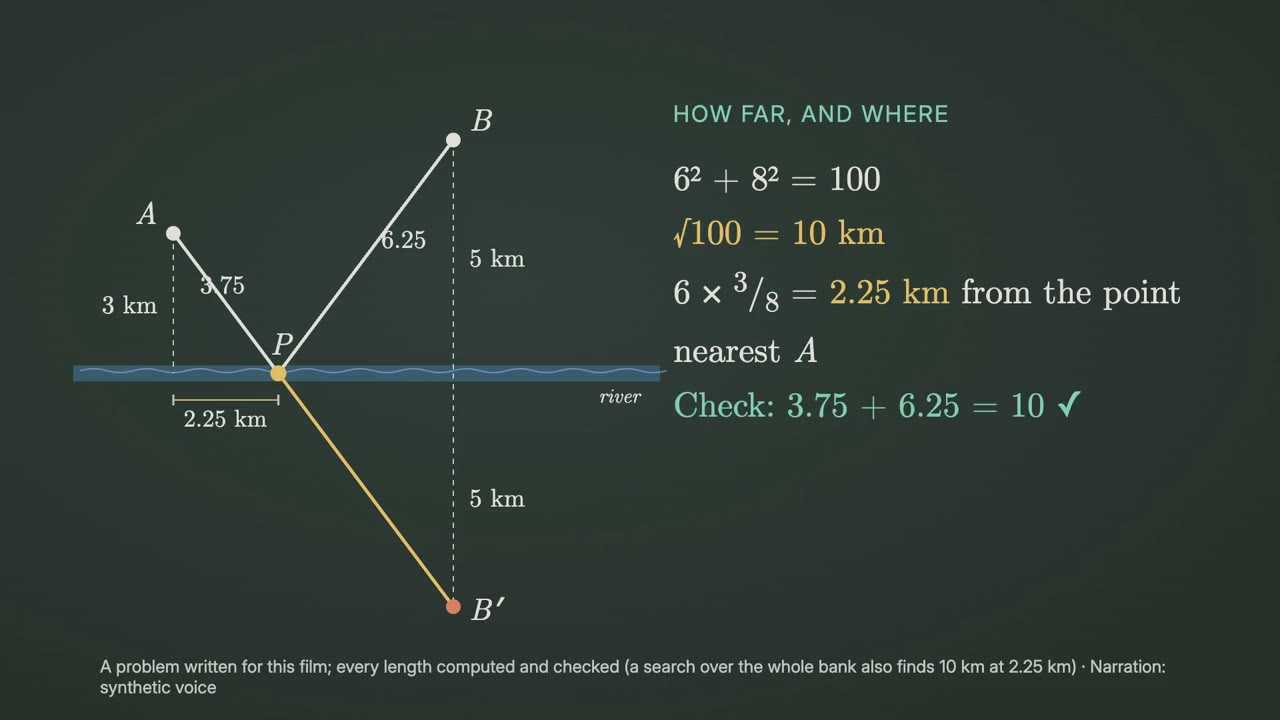
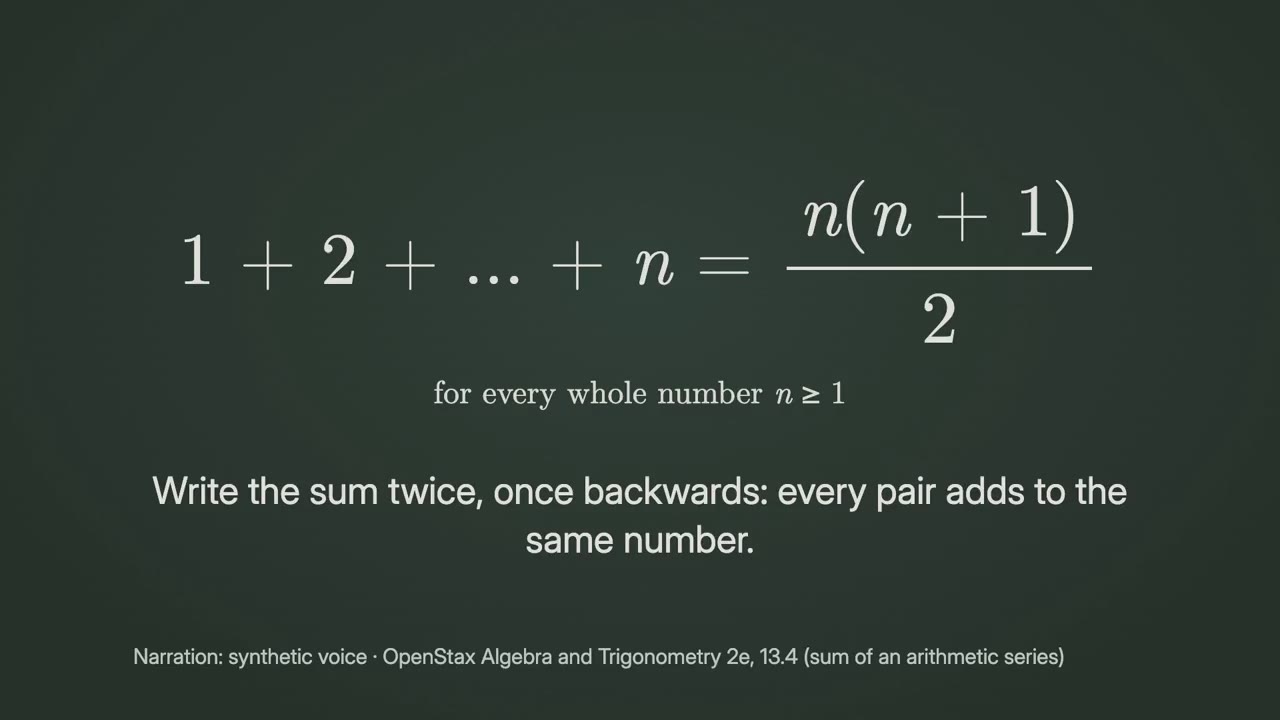
始めるのに必要なのは
API キー不要これだけで始められます
- 文書・記事・台本
依存環境
Node.js 22+、FFmpeg、Chrome。API キー不要。
始める前に、エージェントが mo doctor で Node.js・FFmpeg・Chrome を確認し、足りないものは入れ方を案内します。このスキルにほかに必要なもの(字幕用の whisper など)があれば、説明に書いてあります。
プロンプト例
Use the math-director skill to make a 1-minute film proving why 1 + 2 + … + n = n(n + 1)/2.
スタイルプロンプト(Claude Motion または Opus 5.5)
Make a 1-minute 16:9 math explainer for [viewers] that shows why [result] is true for [who will watch, e.g. students meeting this for the first time]. Use a proof a newcomer can follow from [textbook or source]; write every line of working, slide terms or shapes that carry over instead of redrawing them, check it on a small case with real numbers, and state the condition the result needs. Use only the argument in the textbook I give below; don't change a word or number. End on the result with its condition, held for 3 seconds.
インストールは不要です。Claude Motion(Team または Enterprise)に貼り付けるか、Opus 5.5 に渡すと、近いルックになります。結果は実行のたびに変わります。スキルなら、手持ちの素材をもとに、お使いのパソコンで書き出します。