← すべてのスキル
縦型ショート
アイデアや事実、台本から、最初の 1 秒でつかむ 9:16 のショート動画へ。音楽付き。
使い方
- 1インストール用プロンプトをコピーして、エージェントに貼り付けます。
- 2エージェントが mo doctor で Node.js・FFmpeg・Chrome を確認し、足りないものがあれば入れ方を案内します。
- 3素材を渡すと、お使いのパソコンで MP4 を書き出します。直したいところは言葉で伝えるだけです。
Claude Code、Codex、Cursor などスキルに対応したエージェントに貼り付けてください。
このスキルで作った映像
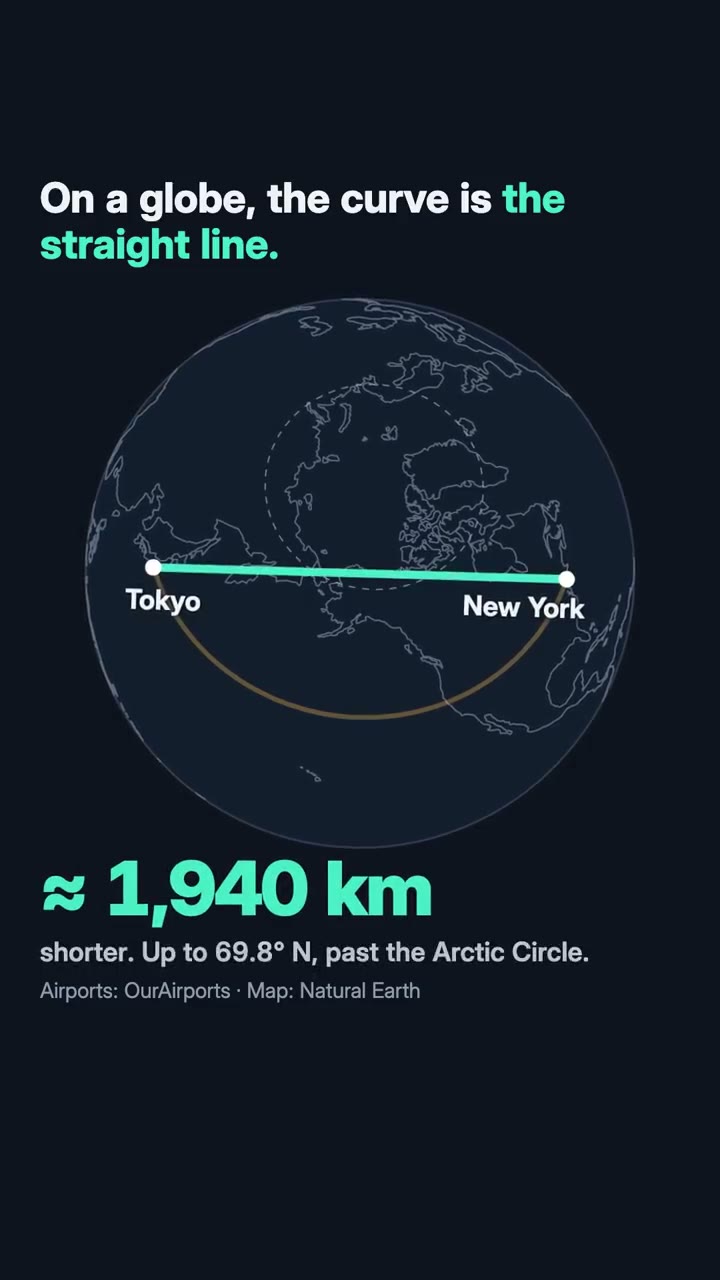
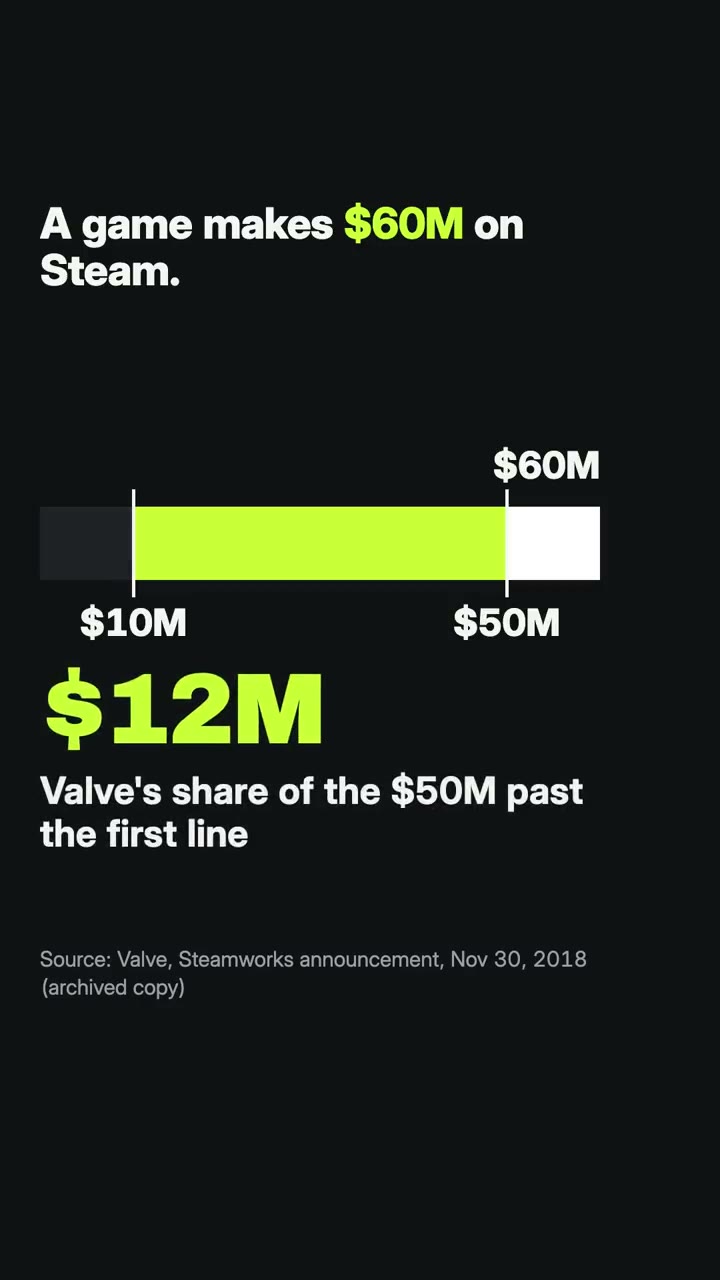
始めるのに必要なのは
API キー不要どれか 1 つあれば十分
- サイトやアプリ
- 写真や画像
- 動画や録音
- 文書・記事・台本
依存環境
Node.js 22+、FFmpeg、Chrome。API キー不要。
始める前に、エージェントが mo doctor で Node.js・FFmpeg・Chrome を確認し、足りないものは入れ方を案内します。このスキルにほかに必要なもの(字幕用の whisper など)があれば、説明に書いてあります。
プロンプト例
Use the shorts-director skill to make a 25-second vertical short explaining this fact, with its sources on screen.
スタイルプロンプト(Claude Motion または Opus 5.5)
Make a 25-second 9:16 short for TikTok, Reels and Shorts about [the one point] for [who will watch, e.g. people scrolling TikTok and Reels]. Open on the question it answers, readable on the first frame. Use only the facts and numbers I give below, with their sources on screen. End on the point in one line, held for 2 seconds.

Show the thing itself (a map, a chart, the numbers), one new line every one to two seconds, every line inside the middle of the frame (clear of the captions and buttons), readable without sound. Land the answer on the music's lift and end on the one sentence, held 2 seconds.

Point: [one sentence]
Facts: [each with its source]
インストールは不要です。Claude Motion(Team または Enterprise)に貼り付けるか、Opus 5.5 に渡すと、近いルックになります。結果は実行のたびに変わります。スキルなら、手持ちの素材をもとに、お使いのパソコンで書き出します。