← 전체 스킬
세션 리플레이
코딩 에이전트가 한 일을 세션 기록 그대로 재생하고, 비밀 정보는 가립니다.
사용 방법
- 1설치 프롬프트를 복사해 에이전트에 붙여 넣으세요.
- 2에이전트가 mo doctor로 Node.js, FFmpeg, Chrome을 확인하고, 없는 것은 설치 방법을 알려 줍니다.
- 3자료를 주면 내 컴퓨터에서 MP4로 렌더링합니다. 고칠 곳은 말로 요청하면 됩니다.
Claude Code, Codex, Cursor 등 스킬을 지원하는 에이전트에 붙여 넣으세요.
이 스킬로 만든 영상
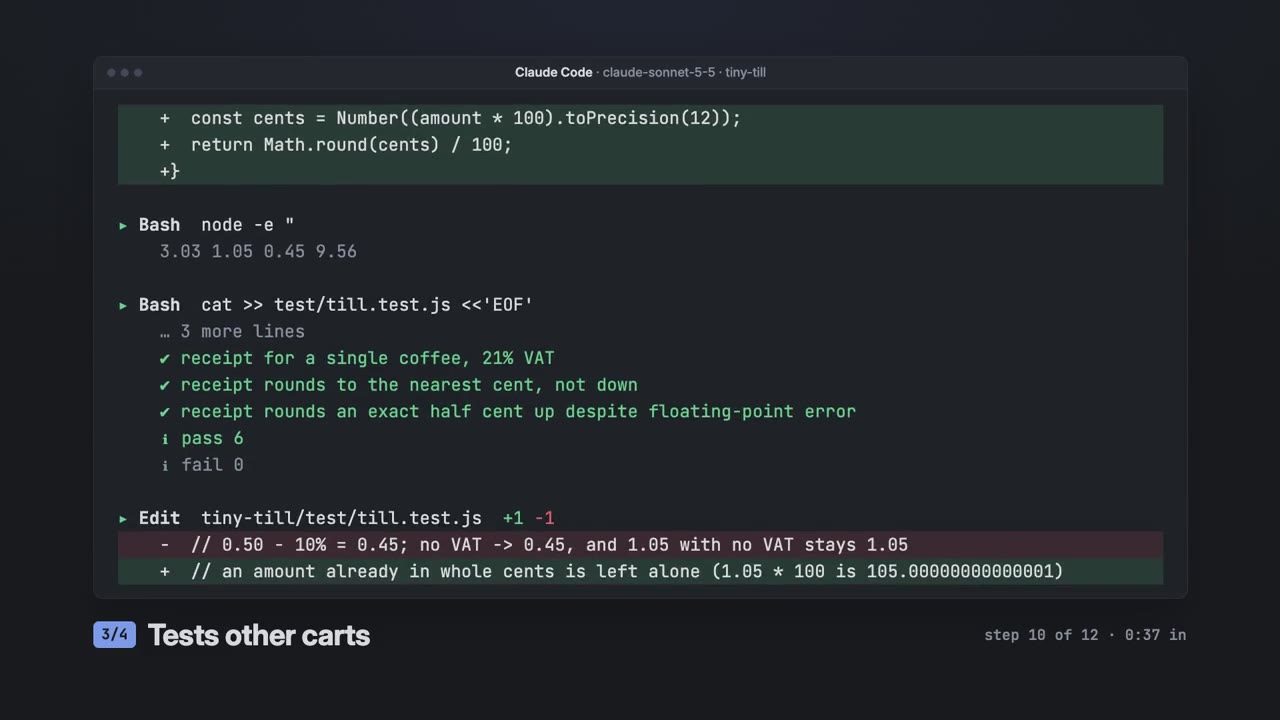
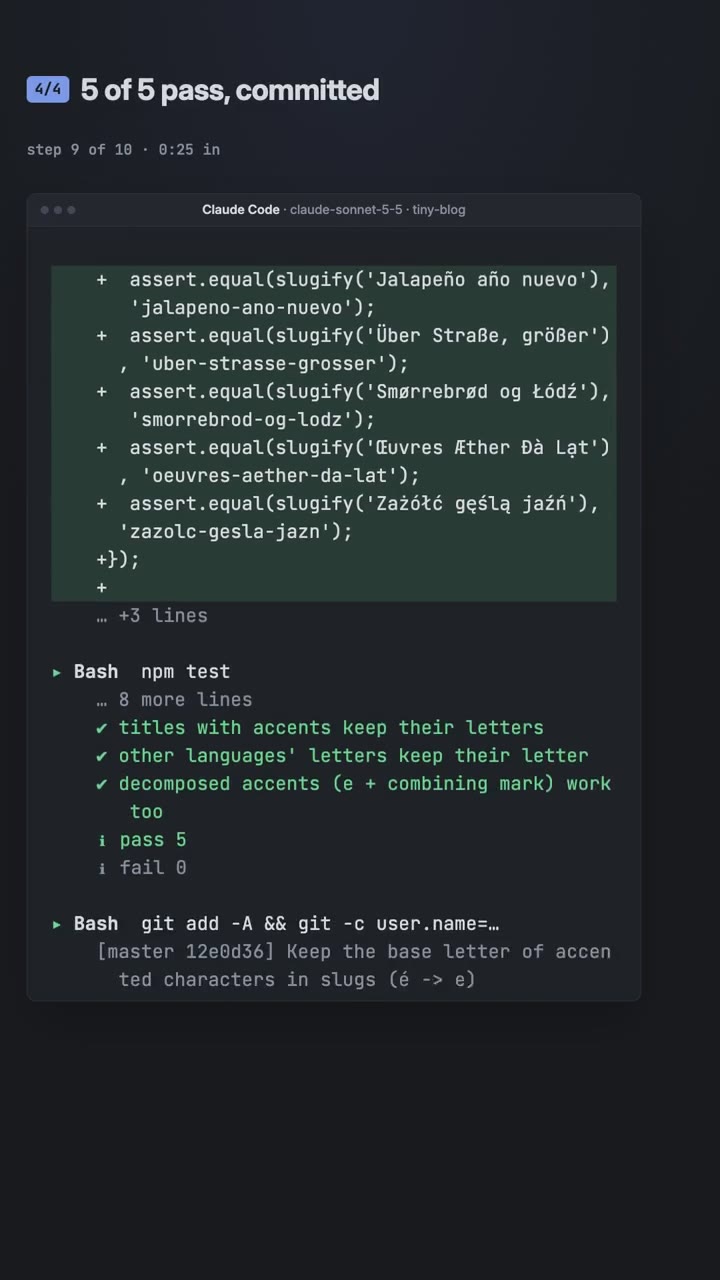
시작에 필요한 것
API 키 불필요이것만 있으면 시작할 수 있어요
- 코드, PR 또는 에이전트 세션
실행 환경
Node.js 22+, FFmpeg, Chrome. API 키 불필요.
시작하기 전에 에이전트가 mo doctor로 Node.js, FFmpeg, Chrome을 확인하고 없는 것은 설치 방법을 알려 줍니다. 이 스킬에 더 필요한 것(자막용 whisper 등)이 있으면 설명에 적혀 있습니다.
프롬프트 예시
Use the replay-director skill to make a 30-second vertical highlight of this session for LinkedIn.
스타일 프롬프트 (Claude Motion 또는 Opus 5.5)
Make a 30-second 16:9 replay of [this session / the session where you fixed X]: list its steps with mo replay, pick the 3–5 moments that tell the story with a 2–5 word caption each, read every line for anything private, and end on the session's own numbers for [who will watch, e.g. developers who use coding agents]. Use only the session I give below, as it happened; don't change a word or number. End on what was done and the commands, held for 3 seconds.
설치할 것이 없습니다. Claude Motion(Team 또는 Enterprise)에 붙여 넣거나 Opus 5.5에 주면 비슷한 룩이 나옵니다. 결과는 실행할 때마다 달라집니다. 스킬은 내 자료로 작업하고 내 컴퓨터에서 렌더링합니다.