← All skills
Year in Review
Your year from your own photos, numbers and dates.
Year in Review: its example films and styles →
How it works
- 1Copy the install prompt and paste it into your agent.
- 2Your agent runs mo doctor to check Node.js, FFmpeg and Chrome, and tells you how to install anything missing.
- 3Give it your material. It renders an MP4 on your computer, and you ask for changes in plain words.
Paste into Claude Code, Codex, Cursor or any agent that supports skills.
Films it made
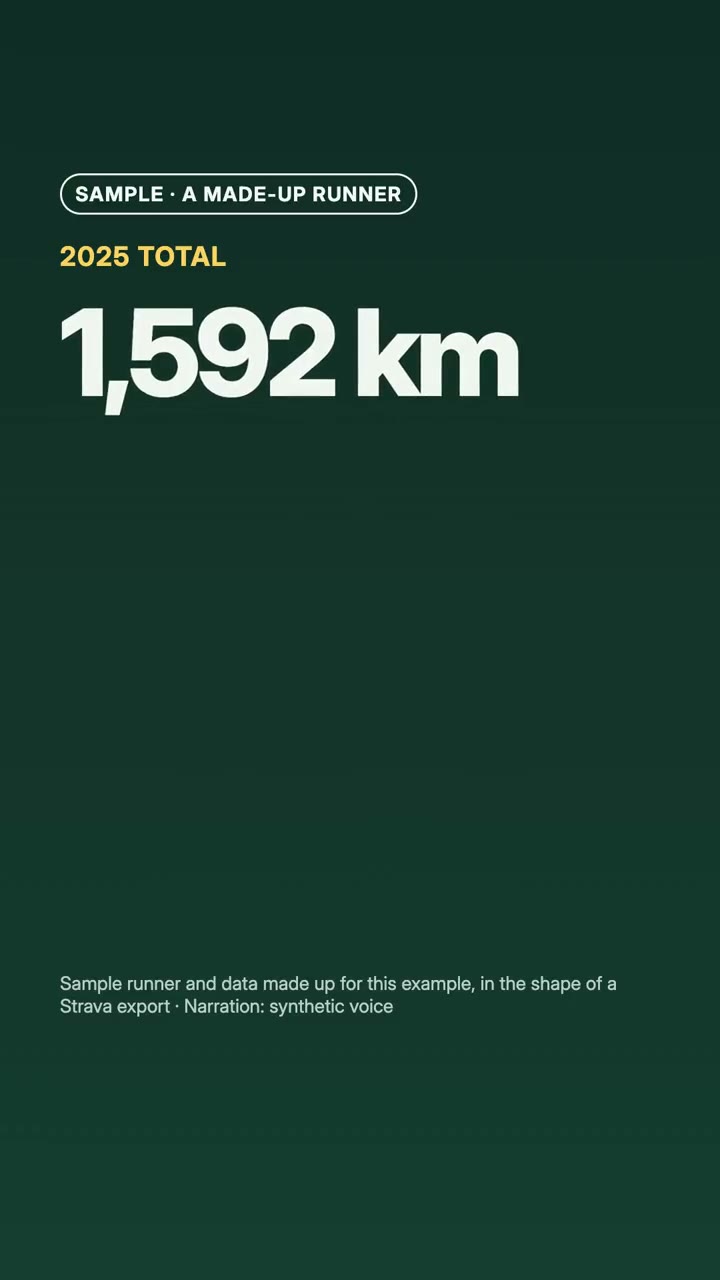
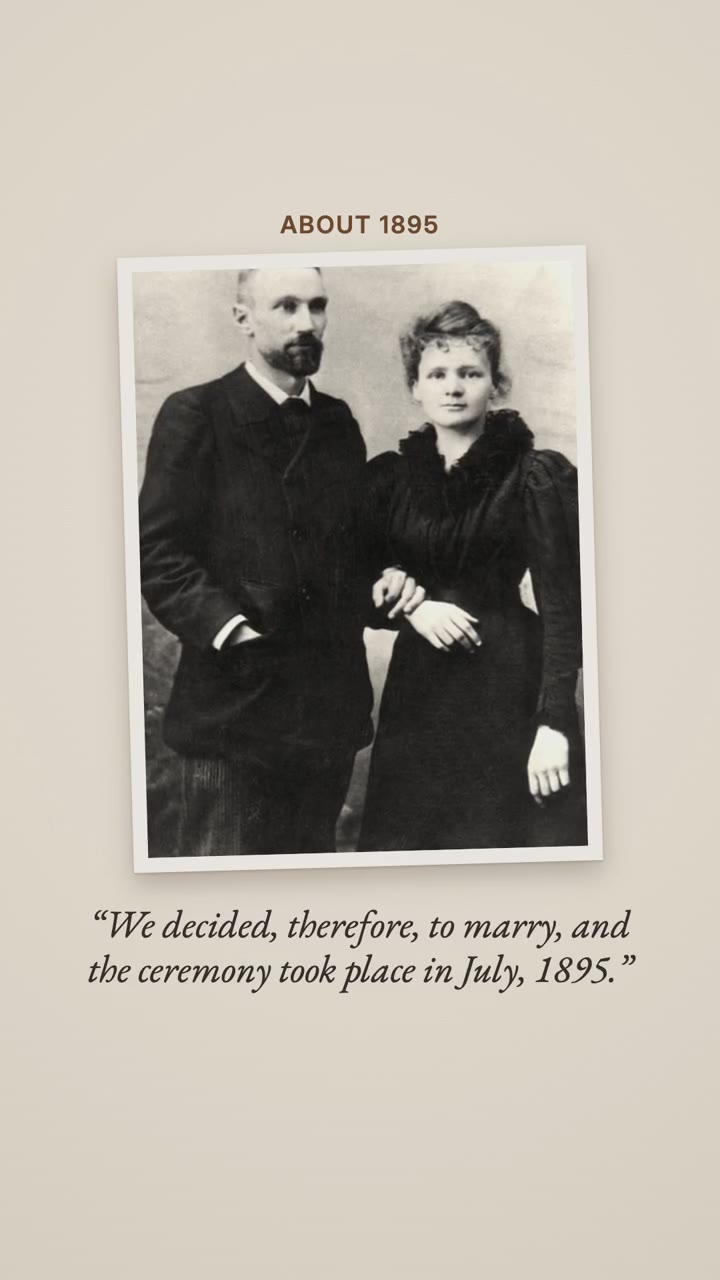
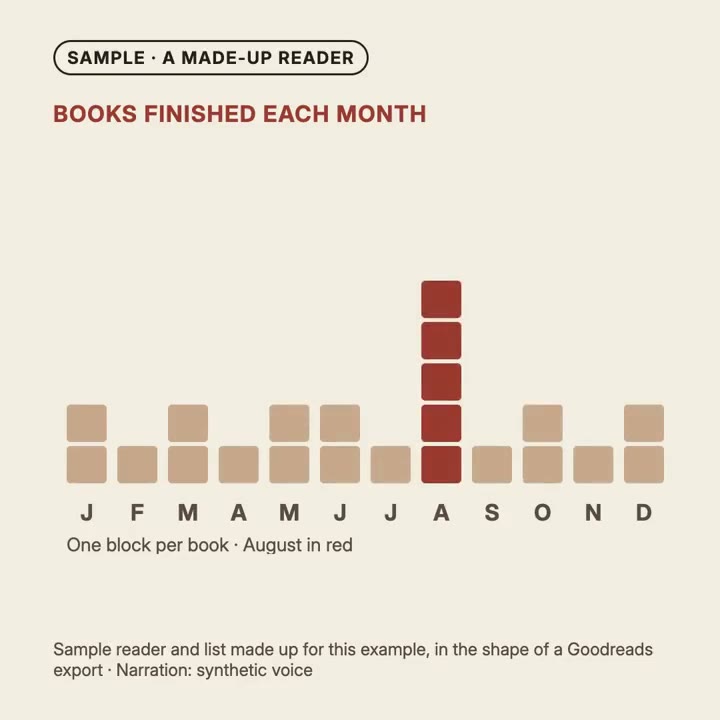
All it takes
No API keyAny one of these is enough
- A spreadsheet or data
- Photos and images
Dependencies
Node.js 22+, FFmpeg, Chrome. No API keys.
Before it starts, your agent runs mo doctor to check Node.js, FFmpeg and Chrome and tells you how to install anything missing; if this skill needs more (such as whisper for captions), its instructions say so.
Example prompt
Use the year-director skill to make my 2025 in running from ./activities.csv, vertical, 40 seconds.
Style prompt (Claude Motion or Opus 5.5)
Make a 40-second vertical year in review of my [running / reading / photos] in [year] from [the export file] for [who will watch, e.g. the people we shared the year with]. Compute every number from the file, show the year month by month from zero, use the three to five moments I list in date order, keep my home and route ends private, and close with [my words]. Use only the numbers in the export I give below; don't change a word or number. End on the thank-you, held for 3 seconds.
Nothing to install: paste this into Claude Motion (Team or Enterprise) or give it to Opus 5.5 for a similar look. The result changes from run to run; the skill works from your own material and renders on your computer.