Étude expliquée
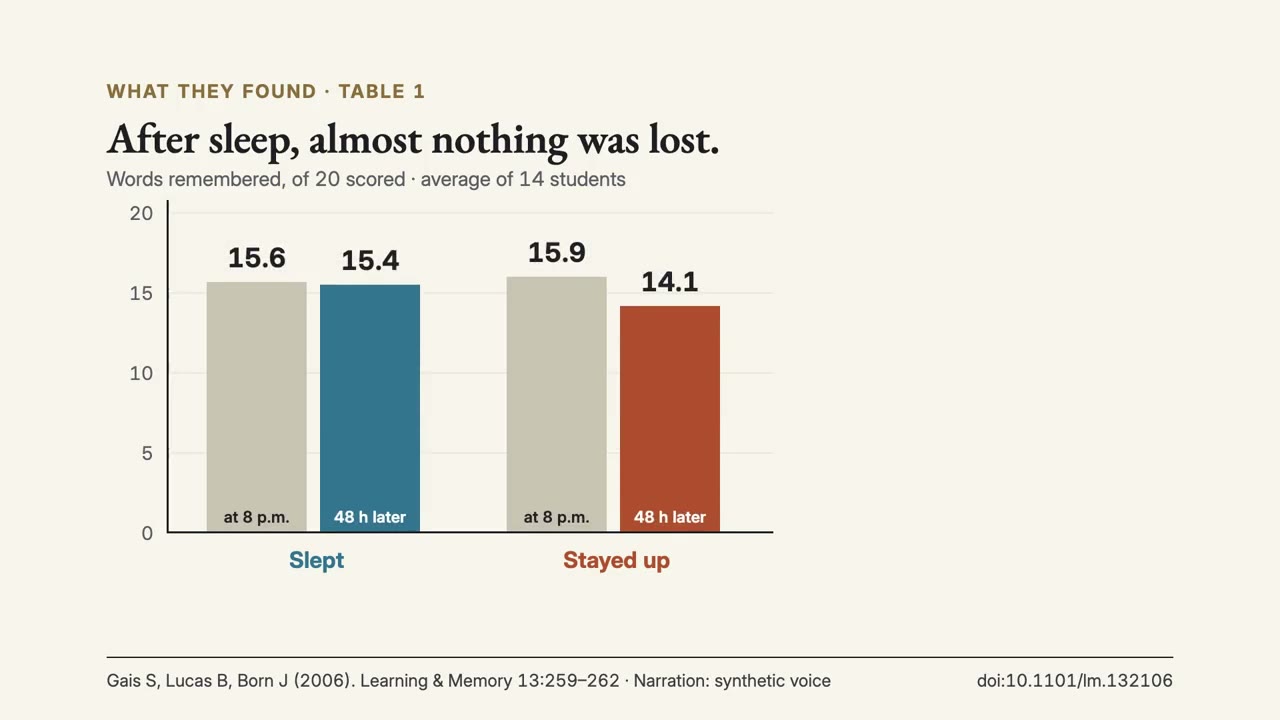
Une étude : ce qui a été fait, ce qu'elle a trouvé avec ses propres chiffres, et jusqu'où s'y fier.
Étude expliquée : ses films d'exemple et ses styles →
Comment ça marche
- 1Copiez le prompt d'installation et collez-le dans votre agent.
- 2Votre agent lance mo doctor pour vérifier Node.js, FFmpeg et Chrome, et vous dit comment installer ce qui manque.
- 3Donnez-lui vos contenus. Il génère un MP4 sur votre ordinateur, et vous demandez des modifications avec vos mots.
Collez-le dans Claude Code, Codex, Cursor ou tout agent compatible avec les skills.
Films qu'il a réalisés
Ce qu'il vous faut
Aucune clé APIC'est tout ce qu'il faut
- Un document, article ou script
Dépendances
Node.js 22+, FFmpeg, Chrome. Aucune clé API.
Avant de commencer, votre agent lance mo doctor pour vérifier Node.js, FFmpeg et Chrome et vous dit comment installer ce qui manque ; si ce skill a besoin d'autre chose (comme whisper pour les sous-titres), ses instructions le précisent.
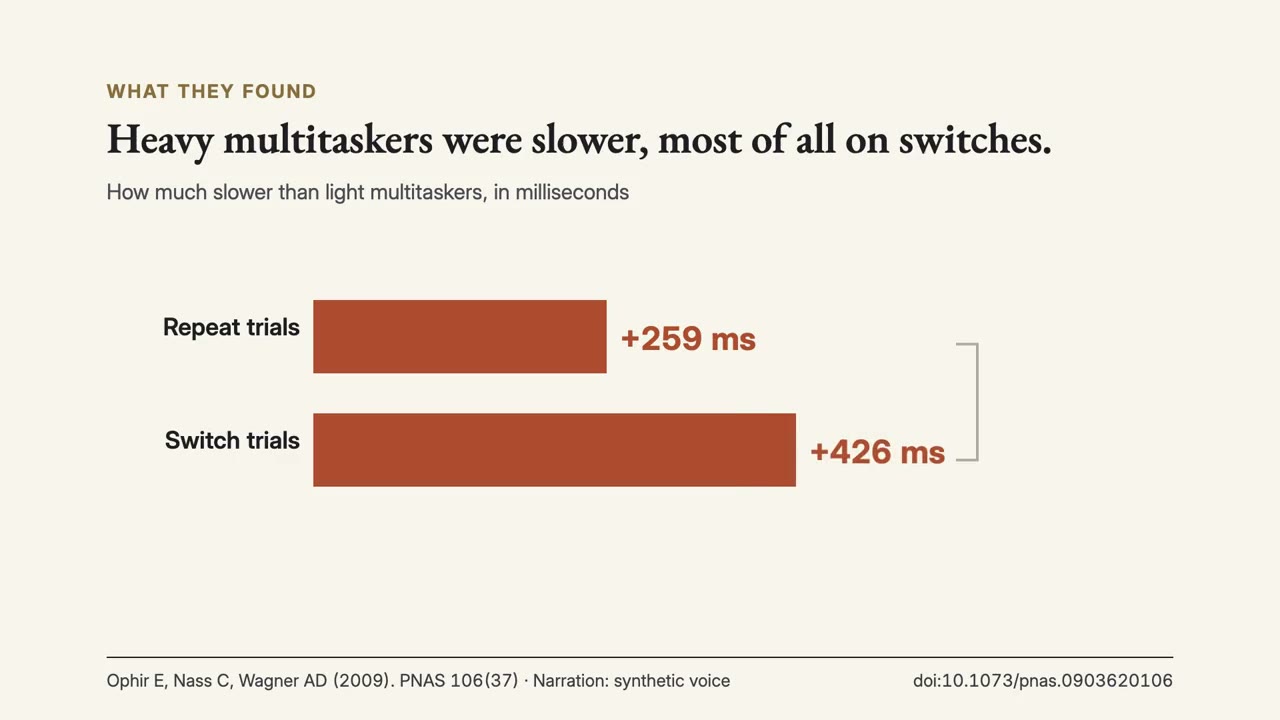
Use the paper-director skill to make a 1-minute explainer of Ophir, Nass & Wagner (2009), 'Cognitive control in media multitaskers', including what later replications found.
Make a 1-minute 16:9 explainer of [paper, with DOI] for [who will watch, e.g. students who have not read the paper]. Read the full text. Show the question, who took part and how many, what they did, the key result rebuilt from the paper's own table with units, at least one limit in the authors' words, and any later replication or meta-analysis. Keep the citation on screen. Use only the paper I attach, with its own numbers and wording; don't change a word or number. End on the finding and its limit, with the citation, held for 3 seconds.
Rien à installer : collez-le dans Claude Motion (Team ou Enterprise) ou donnez-le à Opus 5.5 pour un style proche. Le résultat change à chaque exécution ; le skill, lui, part de vos propres contenus et fait le rendu sur votre ordinateur.