← 全部 Skill
論文講解片
講清一項研究:做了什麼、用原文數字說發現了什麼、能信到什麼程度。
怎麼用
- 1複製安裝提示詞,貼給你的 Agent。
- 2Agent 先執行 mo doctor,檢查 Node.js、FFmpeg 和 Chrome;缺什麼會告訴你怎麼裝。
- 3把素材交給它,它會在你的電腦上算圖輸出 MP4;想改哪裡,直接說。
貼到 Claude Code、Codex、Cursor 或任何支援 Skill 的 Agent。
用它做出來的片子
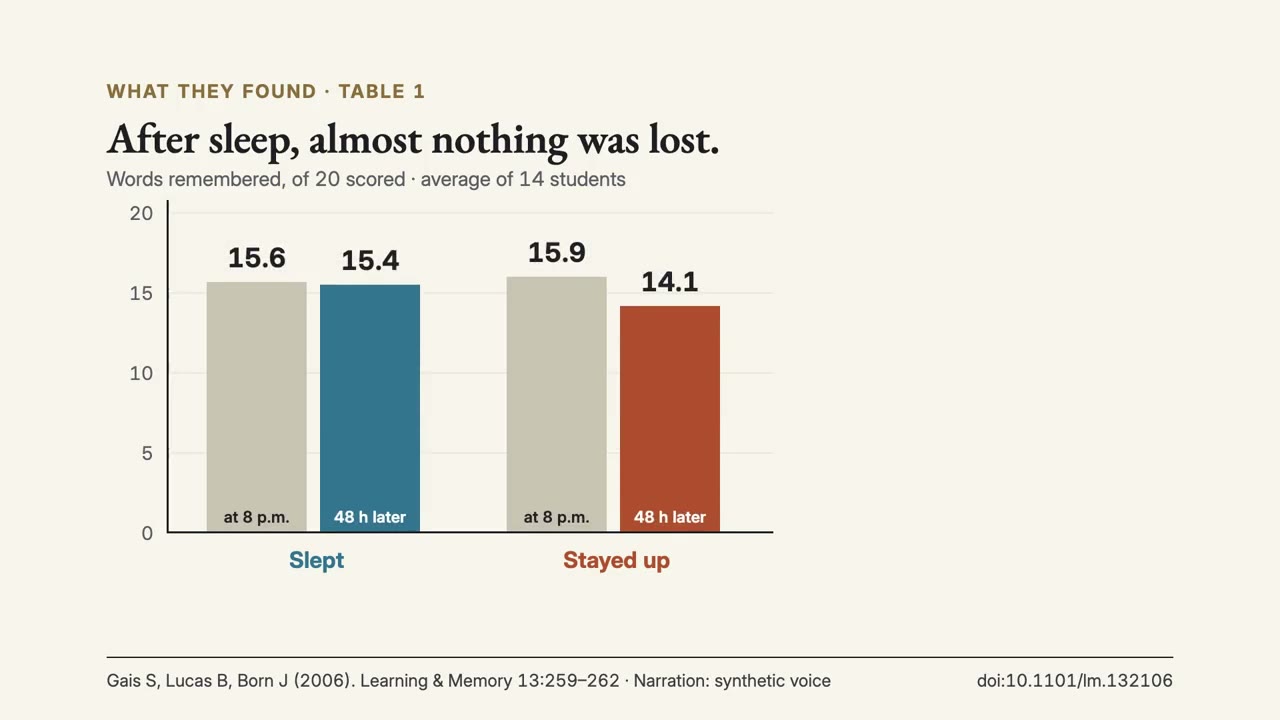
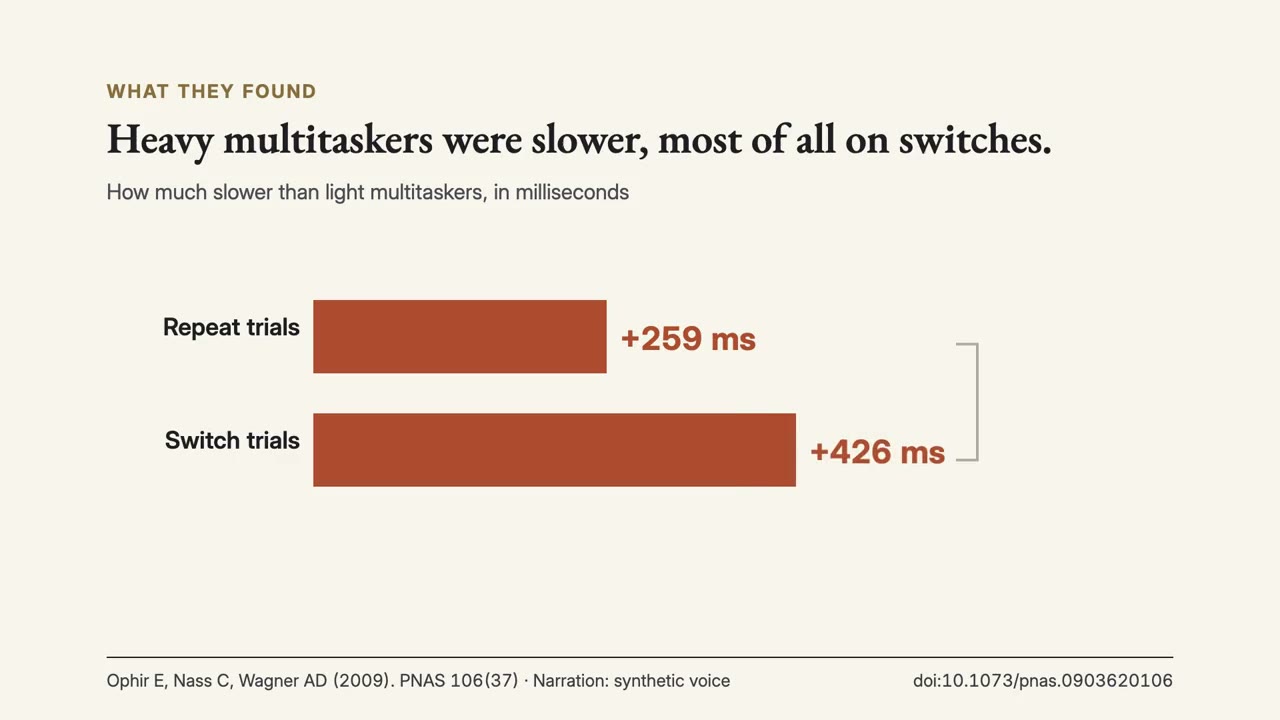
開始只需要
無需 API Key有這個就能開始
- 文件、文章或腳本
執行環境
Node.js 22+、FFmpeg、Chrome。不需要 API Key。
開始前,Agent 會執行 mo doctor 檢查 Node.js、FFmpeg 和 Chrome,缺什麼會告訴你怎麼裝;如果這個 Skill 還需要別的(例如字幕要用的 whisper),它的說明裡會寫明。
範例提示詞
Use the paper-director skill to make a 1-minute explainer of Ophir, Nass & Wagner (2009), 'Cognitive control in media multitaskers', including what later replications found.
風格提示詞(Claude Motion 或 Opus 5.5)
Make a 1-minute 16:9 explainer of [paper, with DOI] for [who will watch, e.g. students who have not read the paper]. Read the full text. Show the question, who took part and how many, what they did, the key result rebuilt from the paper's own table with units, at least one limit in the authors' words, and any later replication or meta-analysis. Keep the citation on screen. Use only the paper I attach, with its own numbers and wording; don't change a word or number. End on the finding and its limit, with the citation, held for 3 seconds.
無需安裝:貼到 Claude Motion(Team 或 Enterprise),或直接傳給 Opus 5.5,就能得到相近的風格。每次執行結果會有差異;用 Skill 則根據你的素材,在你的電腦上算圖。