← 전체 스킬
비교 영상
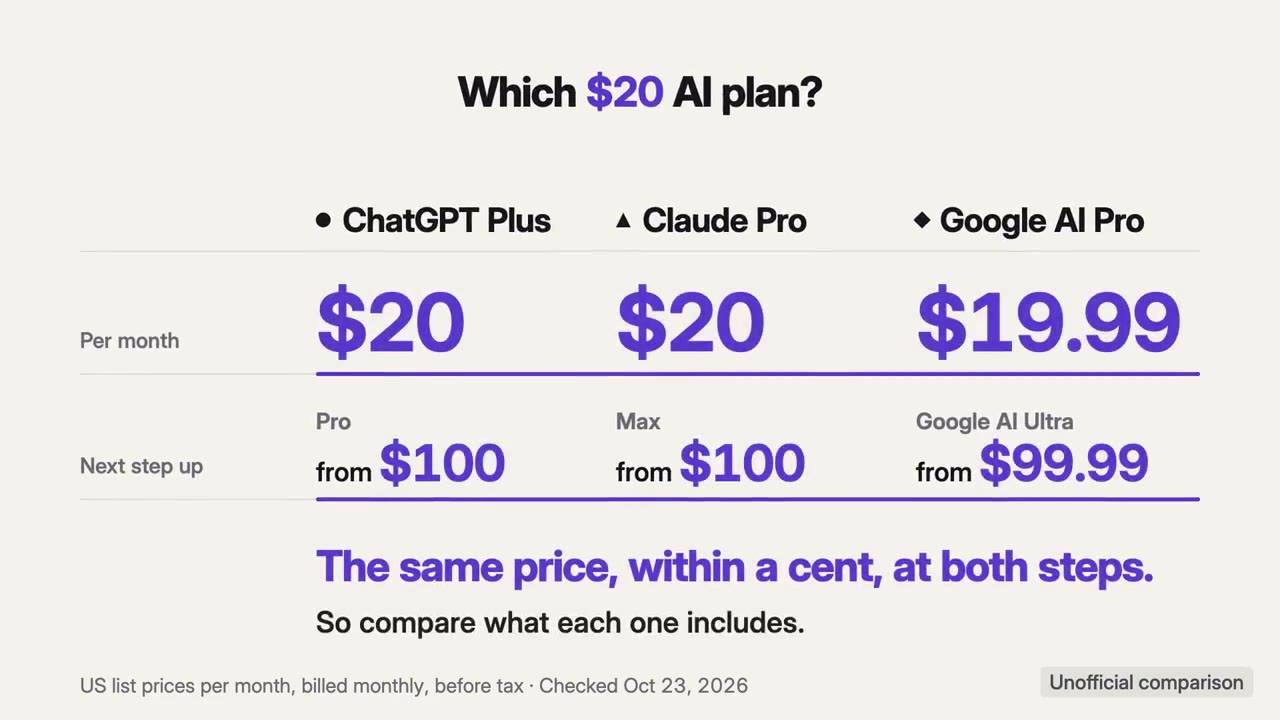
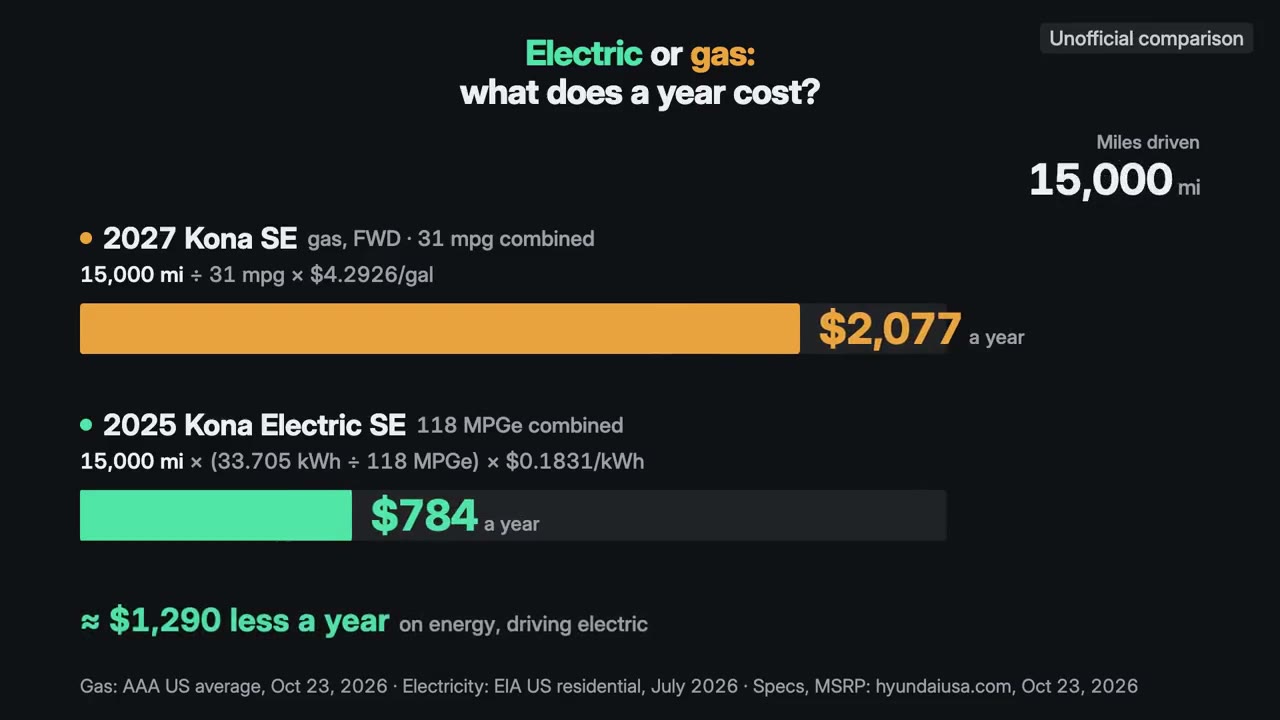
요금제, 가격, 전후 변화를 같은 기준으로 나란히 비교합니다. 음악과 함께.
사용 방법
- 1설치 프롬프트를 복사해 에이전트에 붙여 넣으세요.
- 2에이전트가 mo doctor로 Node.js, FFmpeg, Chrome을 확인하고, 없는 것은 설치 방법을 알려 줍니다.
- 3자료를 주면 내 컴퓨터에서 MP4로 렌더링합니다. 고칠 곳은 말로 요청하면 됩니다.
Claude Code, Codex, Cursor 등 스킬을 지원하는 에이전트에 붙여 넣으세요.
이 스킬로 만든 영상
시작에 필요한 것
API 키 불필요이 중 하나면 충분해요
- 스프레드시트나 데이터
- 문서, 글 또는 대본
실행 환경
Node.js 22+, FFmpeg, Chrome. API 키 불필요.
시작하기 전에 에이전트가 mo doctor로 Node.js, FFmpeg, Chrome을 확인하고 없는 것은 설치 방법을 알려 줍니다. 이 스킬에 더 필요한 것(자막용 whisper 등)이 있으면 설명에 적혀 있습니다.
프롬프트 예시
Use the comparison-director skill to make a 30-second 16:9 film comparing our three plans from our pricing page.
스타일 프롬프트 (Claude Motion 또는 Opus 5.5)
Make a 30-second 16:9 comparison of [the options, e.g. our three plans, or us against two alternatives] for [who will watch]. Use only the prices, limits and features I give below, word for word, with the date they were checked.

Put every option on the same terms (say which on screen), give each the same size and time, count each price up to its exact value, and land on the one difference that decides it. End frame: that difference in one line, the terms and the date, held for 2 seconds.

Options: [names and prices]
Differences: [the rows to compare]
Checked on: [date]
설치할 것이 없습니다. Claude Motion(Team 또는 Enterprise)에 붙여 넣거나 Opus 5.5에 주면 비슷한 룩이 나옵니다. 결과는 실행할 때마다 달라집니다. 스킬은 내 자료로 작업하고 내 컴퓨터에서 렌더링합니다.