← 全部 Skill
比較片
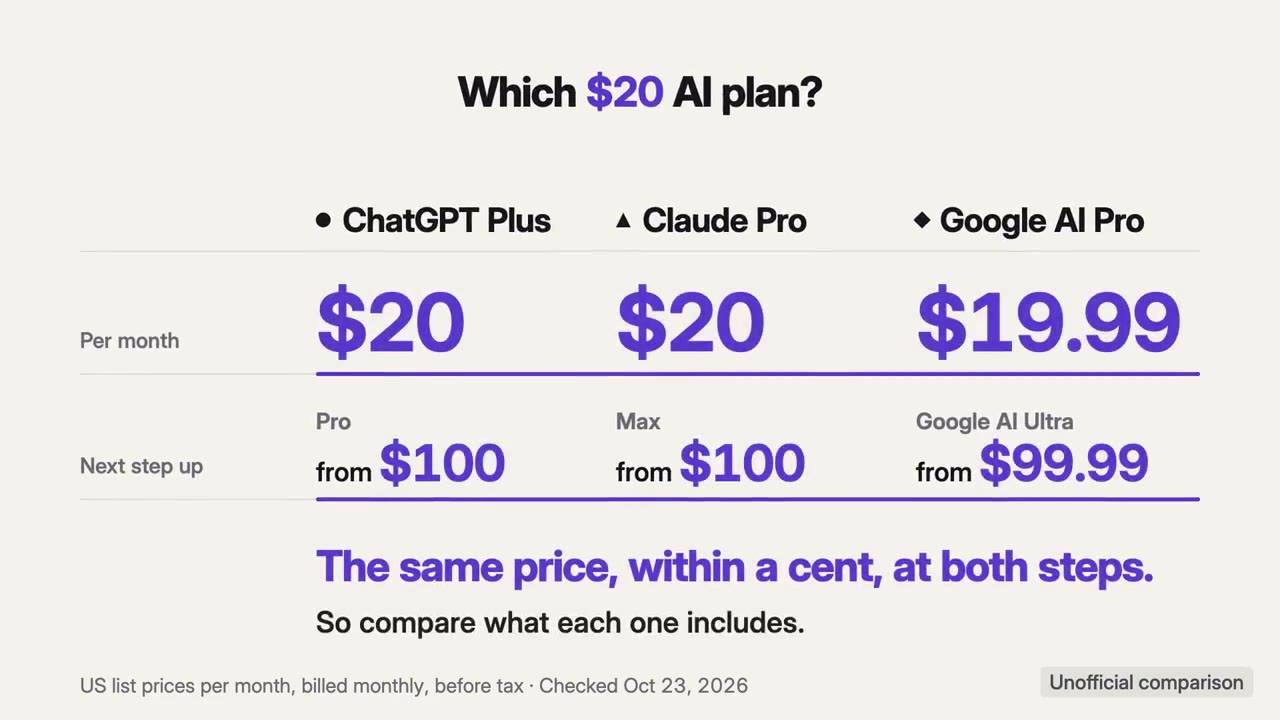
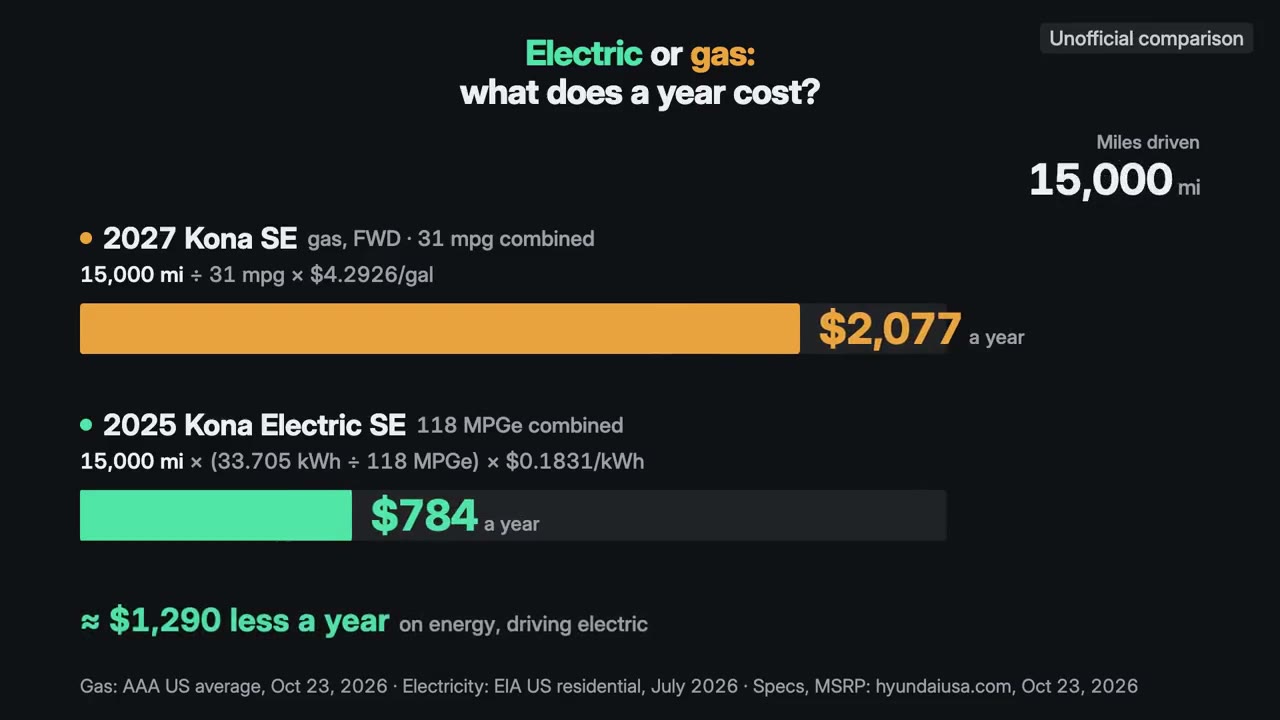
方案、價格或前後變化,在同一標準下並排比較,附配樂。
怎麼用
- 1複製安裝提示詞,貼給你的 Agent。
- 2Agent 先執行 mo doctor,檢查 Node.js、FFmpeg 和 Chrome;缺什麼會告訴你怎麼裝。
- 3把素材交給它,它會在你的電腦上算圖輸出 MP4;想改哪裡,直接說。
貼到 Claude Code、Codex、Cursor 或任何支援 Skill 的 Agent。
用它做出來的片子
開始只需要
無需 API Key其中任何一樣就行
- 試算表或資料
- 文件、文章或腳本
執行環境
Node.js 22+、FFmpeg、Chrome。不需要 API Key。
開始前,Agent 會執行 mo doctor 檢查 Node.js、FFmpeg 和 Chrome,缺什麼會告訴你怎麼裝;如果這個 Skill 還需要別的(例如字幕要用的 whisper),它的說明裡會寫明。
範例提示詞
Use the comparison-director skill to make a 30-second 16:9 film comparing our three plans from our pricing page.
風格提示詞(Claude Motion 或 Opus 5.5)
Make a 30-second 16:9 comparison of [the options, e.g. our three plans, or us against two alternatives] for [who will watch]. Use only the prices, limits and features I give below, word for word, with the date they were checked.

Put every option on the same terms (say which on screen), give each the same size and time, count each price up to its exact value, and land on the one difference that decides it. End frame: that difference in one line, the terms and the date, held for 2 seconds.

Options: [names and prices]
Differences: [the rows to compare]
Checked on: [date]
無需安裝:貼到 Claude Motion(Team 或 Enterprise),或直接傳給 Opus 5.5,就能得到相近的風格。每次執行結果會有差異;用 Skill 則根據你的素材,在你的電腦上算圖。