← All skills
Titles & Transitions
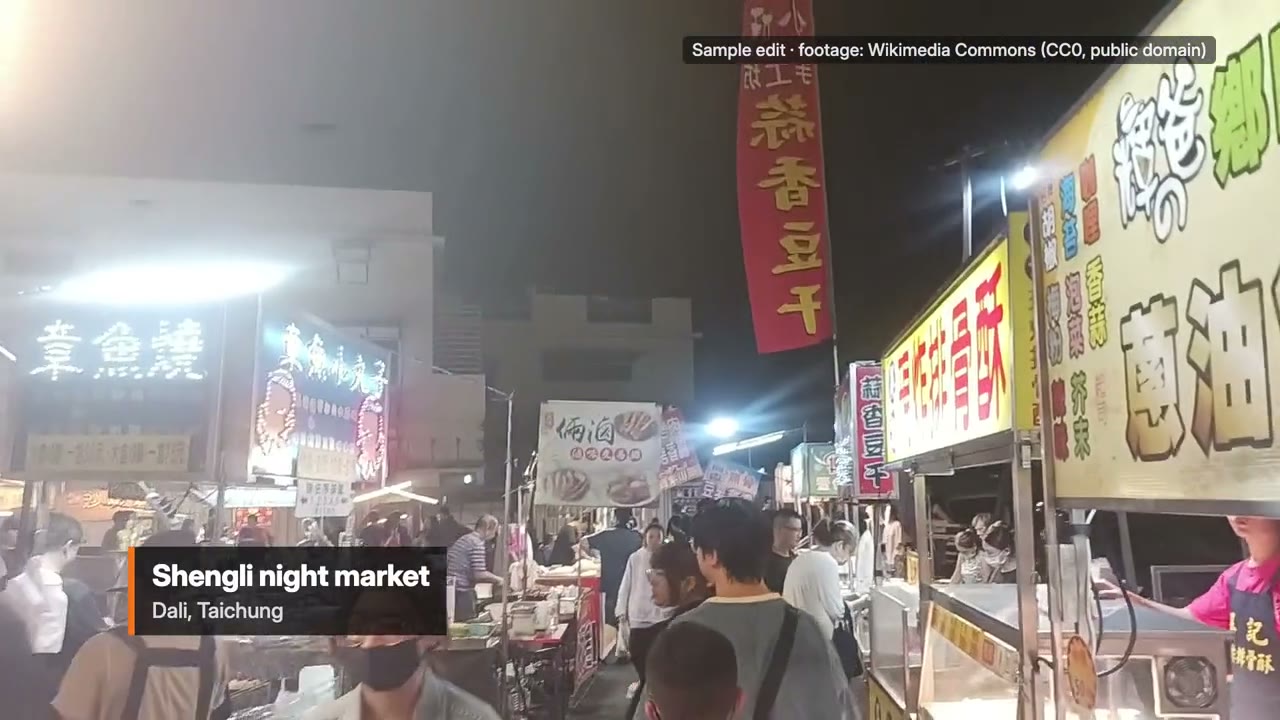
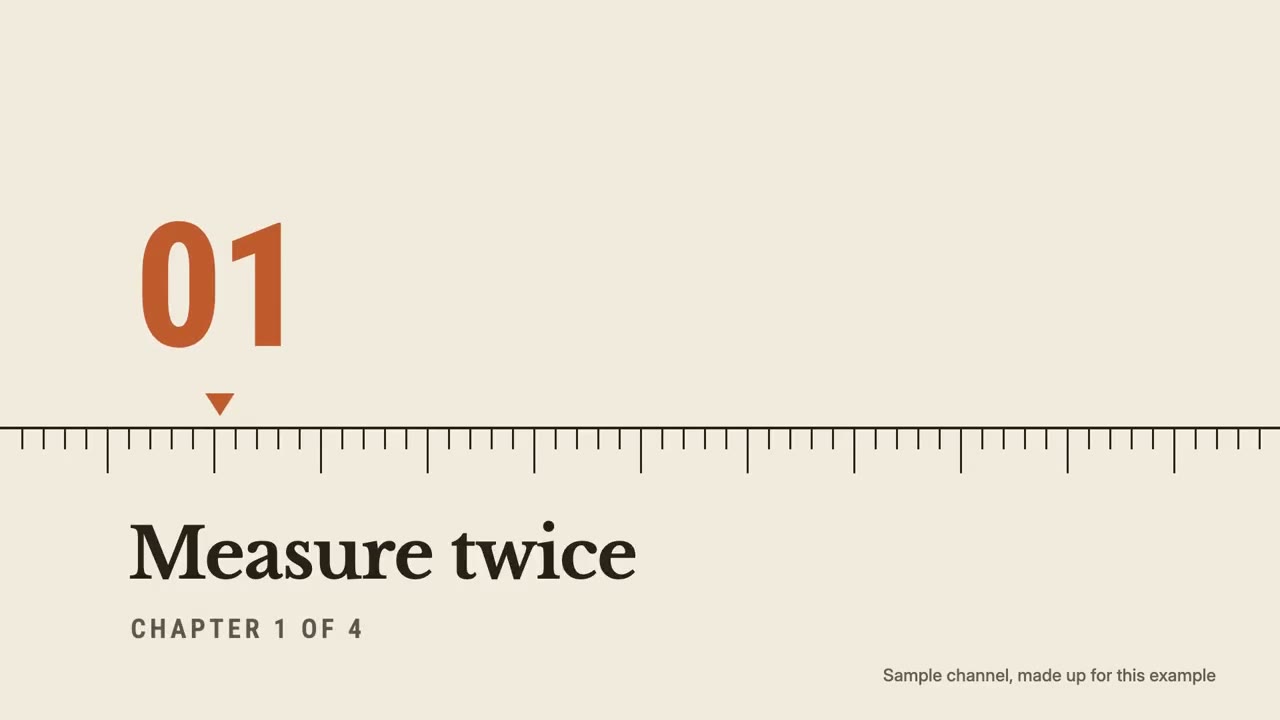
Openers, chapter cards, lower thirds and transitions that match your edit, as one kit, with stings.
Titles & Transitions: its example films and styles →
How it works
- 1Copy the install prompt and paste it into your agent.
- 2Your agent runs mo doctor to check Node.js, FFmpeg and Chrome, and tells you how to install anything missing.
- 3Give it your material. It renders an MP4 on your computer, and you ask for changes in plain words.
Paste into Claude Code, Codex, Cursor or any agent that supports skills.
Films it made
All it takes
No API keyAny one of these is enough
- A document, article or script
- A logo or brand
Dependencies
Node.js 22+, FFmpeg, Chrome. No API keys.
Before it starts, your agent runs mo doctor to check Node.js, FFmpeg and Chrome and tells you how to install anything missing; if this skill needs more (such as whisper for captions), its instructions say so.
Example prompt
Use the titles-director skill to make an opener, chapter cards and lower thirds for my tutorial, matched to these clips, with transparent overlays for Premiere.
Style prompt (Claude Motion or Opus 5.5)
Make a kit of titles for my video, for [who will watch, e.g. viewers of our YouTube videos]: a 4-second opener with [channel name], chapter cards for [chapter names], lower thirds for [names and places], and transitions between my shots. Use only the words I give. Take the colours from my footage, keep one font pair and one way of moving for everything, and make each transition follow a shape or motion in the shot it leaves. End each element transparent so it sits on my edit.

Channel: [name]
Chapters: [names]
Attach: [stills of the footage]
Nothing to install: paste this into Claude Motion (Team or Enterprise) or give it to Opus 5.5 for a similar look. The result changes from run to run; the skill works from your own material and renders on your computer.