← Alle Skills
KostenpflichtigLaunch · Launch-Filme
Blaupausen-Launch
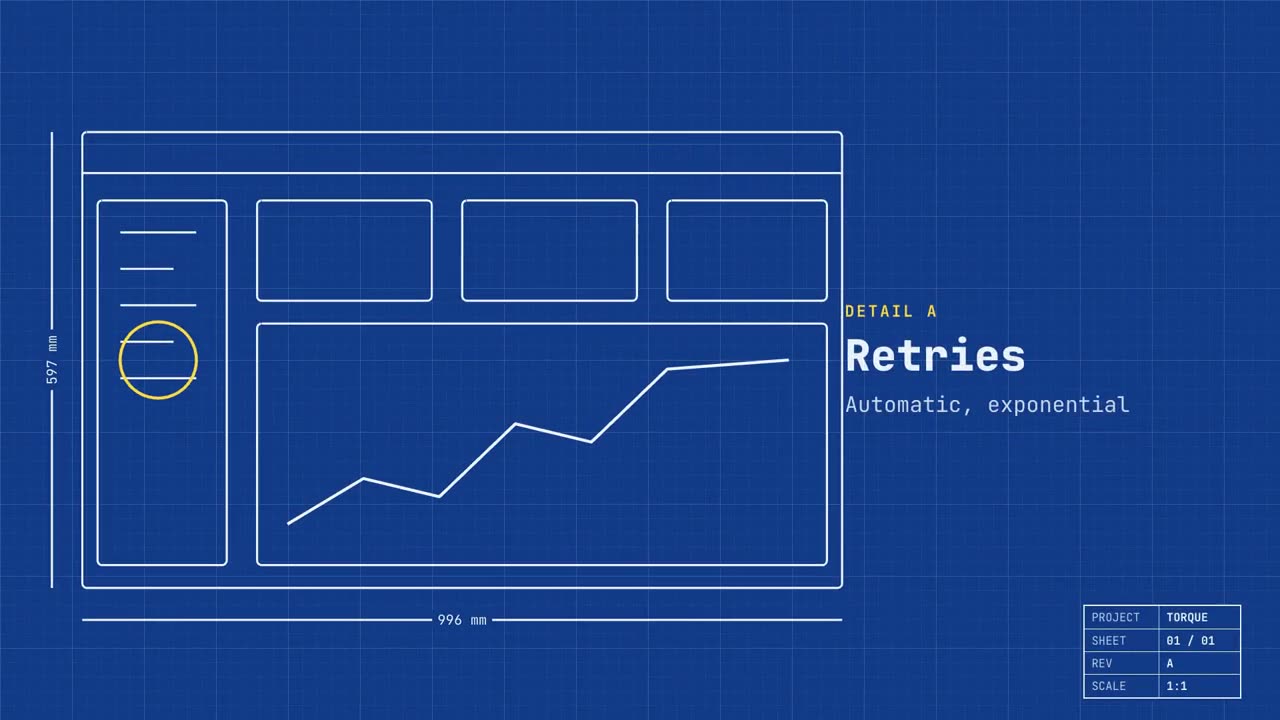
Dein echter Screen als technische Zeichnung, seine Features markiert, dann wird er echt.
So funktioniert's
- 1Kopiere den Installations-Prompt und füge ihn in deinen Agenten ein.
- 2Dein Agent prüft mit mo doctor Node.js, FFmpeg und Chrome und sagt dir, wie du Fehlendes installierst.
- 3Gib ihm dein Material. Er rendert ein MP4 auf deinem Rechner, und Änderungen beschreibst du in eigenen Worten.
Füge ihn in Claude Code, Codex, Cursor oder einen anderen Agenten ein, der Skills unterstützt.
Mehr braucht es nicht
Kein API-SchlüsselMehr braucht es nicht
- Eine Website oder App
Abhängigkeiten
Node.js 22+, FFmpeg, Chrome. Keine API-Schlüssel.
Vor dem Start prüft dein Agent mit mo doctor Node.js, FFmpeg und Chrome und sagt dir, wie du Fehlendes installierst; braucht dieser Skill mehr (etwa whisper für Untertitel), steht das in seiner Anleitung.
Beispiel-Prompt
Make a blueprint launch film for our app: trace our home page as a technical drawing, call out three features as details, then fill it in with the real screen and end on our sign-up link.
Stil-Prompt (Claude Motion oder Opus 5.5)
Make a 20-second 16:9 launch video for [who will watch, e.g. engineers and product teams], playing [where, e.g. Product Hunt and X]. Use only the name, lines and screenshot I give; don't change a word. Deep blueprint-blue background with a fine white grid.

Scene 1: a wireframe of an app window draws itself in thin white lines (header, sidebar, three cards, a chart) with dashed dimension lines labeled in millimeters and a drawing title block in the corner with the project name. Scene 2: the product name scrambles in, monospace, with the tagline in yellow. Scene 3: three yellow rings circle details labeled DETAIL A, B, C with feature names. Scene 4: the wireframe fills in with the screenshot from left to right and a yellow "APPROVED" stamp slams on. End frame: the name, a yellow status tag and the URL.

Product and tagline: [e.g. Orbit, "Engineered for focus."]
Three features: [names]
Status tag and URL: [e.g. "Now in public beta", orbit.app]
Attach: [a screenshot of your product]
Nichts zu installieren: Füge ihn in Claude Motion (Team oder Enterprise) ein oder gib ihn Opus 5.5, für einen ähnlichen Look. Das Ergebnis fällt bei jedem Durchlauf anders aus; der Skill arbeitet mit deinem eigenen Material und rendert auf deinem Rechner.