← All skills
Blueprint Launch
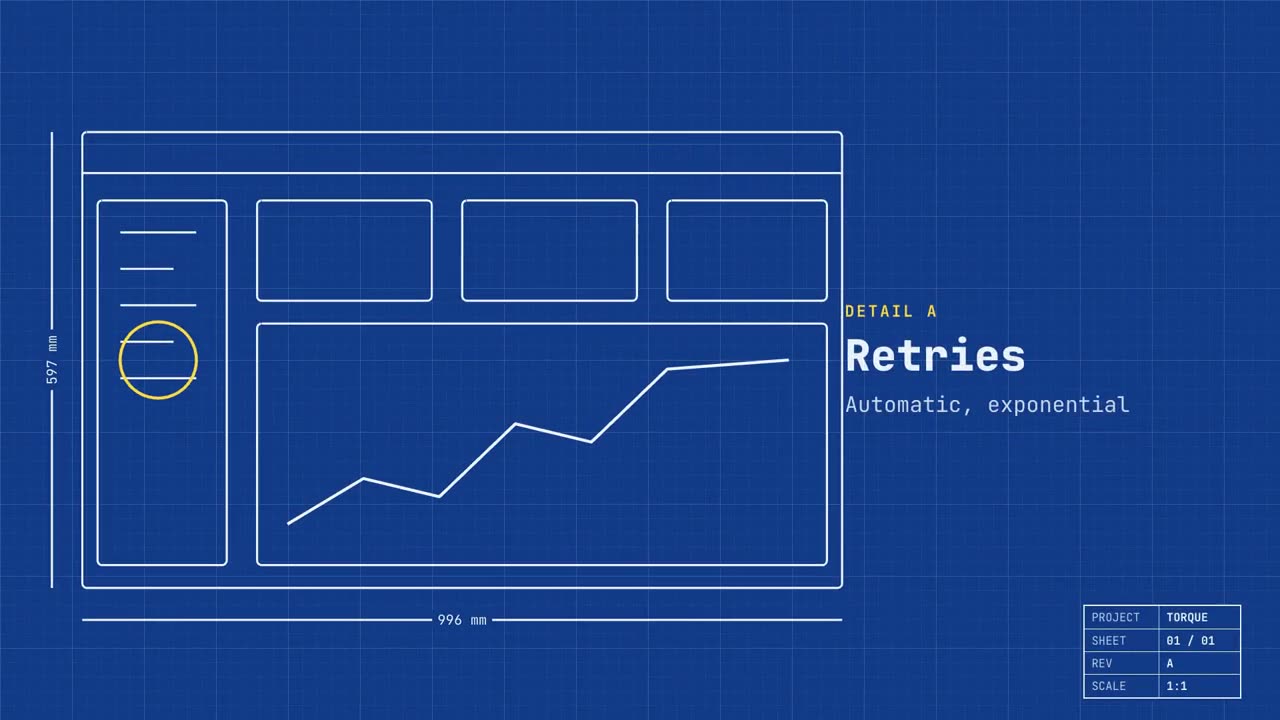
Your real screen drawn as a technical drawing, its features called out, then made real.
How it works
- 1Copy the install prompt and paste it into your agent.
- 2Your agent runs mo doctor to check Node.js, FFmpeg and Chrome, and tells you how to install anything missing.
- 3Give it your material. It renders an MP4 on your computer, and you ask for changes in plain words.
Paste into Claude Code, Codex, Cursor or any agent that supports skills.
All it takes
No API keyThis is all it needs
- A website or app
Dependencies
Node.js 22+, FFmpeg, Chrome. No API keys.
Before it starts, your agent runs mo doctor to check Node.js, FFmpeg and Chrome and tells you how to install anything missing; if this skill needs more (such as whisper for captions), its instructions say so.
Example prompt
Make a blueprint launch film for our app: trace our home page as a technical drawing, call out three features as details, then fill it in with the real screen and end on our sign-up link.
Style prompt (Claude Motion or Opus 5.5)
Make a 20-second 16:9 launch video for [who will watch, e.g. engineers and product teams], playing [where, e.g. Product Hunt and X]. Use only the name, lines and screenshot I give; don't change a word. Deep blueprint-blue background with a fine white grid.

Scene 1: a wireframe of an app window draws itself in thin white lines (header, sidebar, three cards, a chart) with dashed dimension lines labeled in millimeters and a drawing title block in the corner with the project name. Scene 2: the product name scrambles in, monospace, with the tagline in yellow. Scene 3: three yellow rings circle details labeled DETAIL A, B, C with feature names. Scene 4: the wireframe fills in with the screenshot from left to right and a yellow "APPROVED" stamp slams on. End frame: the name, a yellow status tag and the URL.

Product and tagline: [e.g. Orbit, "Engineered for focus."]
Three features: [names]
Status tag and URL: [e.g. "Now in public beta", orbit.app]
Attach: [a screenshot of your product]
Nothing to install: paste this into Claude Motion (Team or Enterprise) or give it to Opus 5.5 for a similar look. The result changes from run to run; the skill works from your own material and renders on your computer.