← すべてのスキル
ブループリント・ローンチ
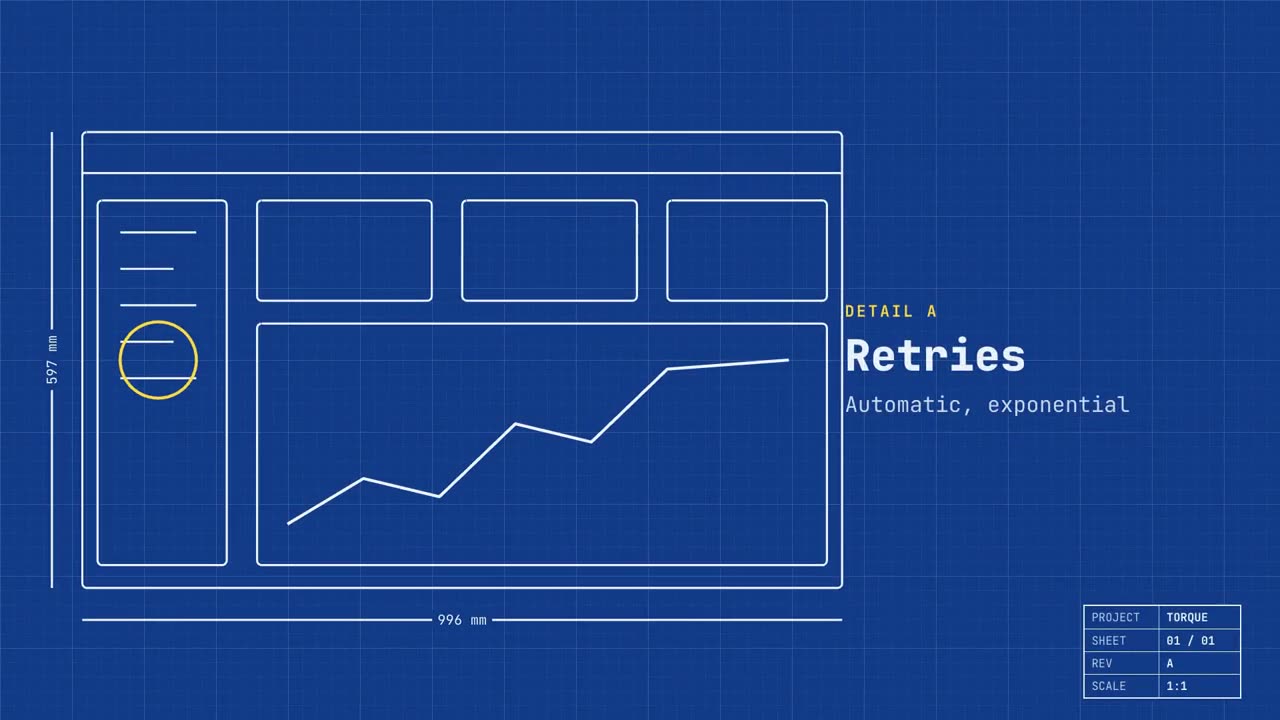
実際の画面が設計図として描かれ、機能が示され、やがて本物になります。
使い方
- 1インストール用プロンプトをコピーして、エージェントに貼り付けます。
- 2エージェントが mo doctor で Node.js・FFmpeg・Chrome を確認し、足りないものがあれば入れ方を案内します。
- 3素材を渡すと、お使いのパソコンで MP4 を書き出します。直したいところは言葉で伝えるだけです。
Claude Code、Codex、Cursor などスキルに対応したエージェントに貼り付けてください。
始めるのに必要なのは
API キー不要これだけで始められます
- サイトやアプリ
依存環境
Node.js 22+、FFmpeg、Chrome。API キー不要。
始める前に、エージェントが mo doctor で Node.js・FFmpeg・Chrome を確認し、足りないものは入れ方を案内します。このスキルにほかに必要なもの(字幕用の whisper など)があれば、説明に書いてあります。
プロンプト例
Make a blueprint launch film for our app: trace our home page as a technical drawing, call out three features as details, then fill it in with the real screen and end on our sign-up link.
スタイルプロンプト(Claude Motion または Opus 5.5)
Make a 20-second 16:9 launch video for [who will watch, e.g. engineers and product teams], playing [where, e.g. Product Hunt and X]. Use only the name, lines and screenshot I give; don't change a word. Deep blueprint-blue background with a fine white grid.

Scene 1: a wireframe of an app window draws itself in thin white lines (header, sidebar, three cards, a chart) with dashed dimension lines labeled in millimeters and a drawing title block in the corner with the project name. Scene 2: the product name scrambles in, monospace, with the tagline in yellow. Scene 3: three yellow rings circle details labeled DETAIL A, B, C with feature names. Scene 4: the wireframe fills in with the screenshot from left to right and a yellow "APPROVED" stamp slams on. End frame: the name, a yellow status tag and the URL.

Product and tagline: [e.g. Orbit, "Engineered for focus."]
Three features: [names]
Status tag and URL: [e.g. "Now in public beta", orbit.app]
Attach: [a screenshot of your product]
インストールは不要です。Claude Motion(Team または Enterprise)に貼り付けるか、Opus 5.5 に渡すと、近いルックになります。結果は実行のたびに変わります。スキルなら、手持ちの素材をもとに、お使いのパソコンで書き出します。