← Todas las skills
Vídeo de lanzamiento
Tu agente lee el proyecto y hace su video de lanzamiento, con música.
Vídeo de lanzamiento: sus vídeos de ejemplo y estilos →
Cómo funciona
- 1Copia el prompt de instalación y pégalo en tu agente.
- 2Tu agente ejecuta mo doctor para comprobar Node.js, FFmpeg y Chrome, y te dice cómo instalar lo que falte.
- 3Dale tu material. Renderiza un MP4 en tu ordenador y le pides los cambios con tus palabras.
Pégalo en Claude Code, Codex, Cursor o cualquier agente compatible con skills.
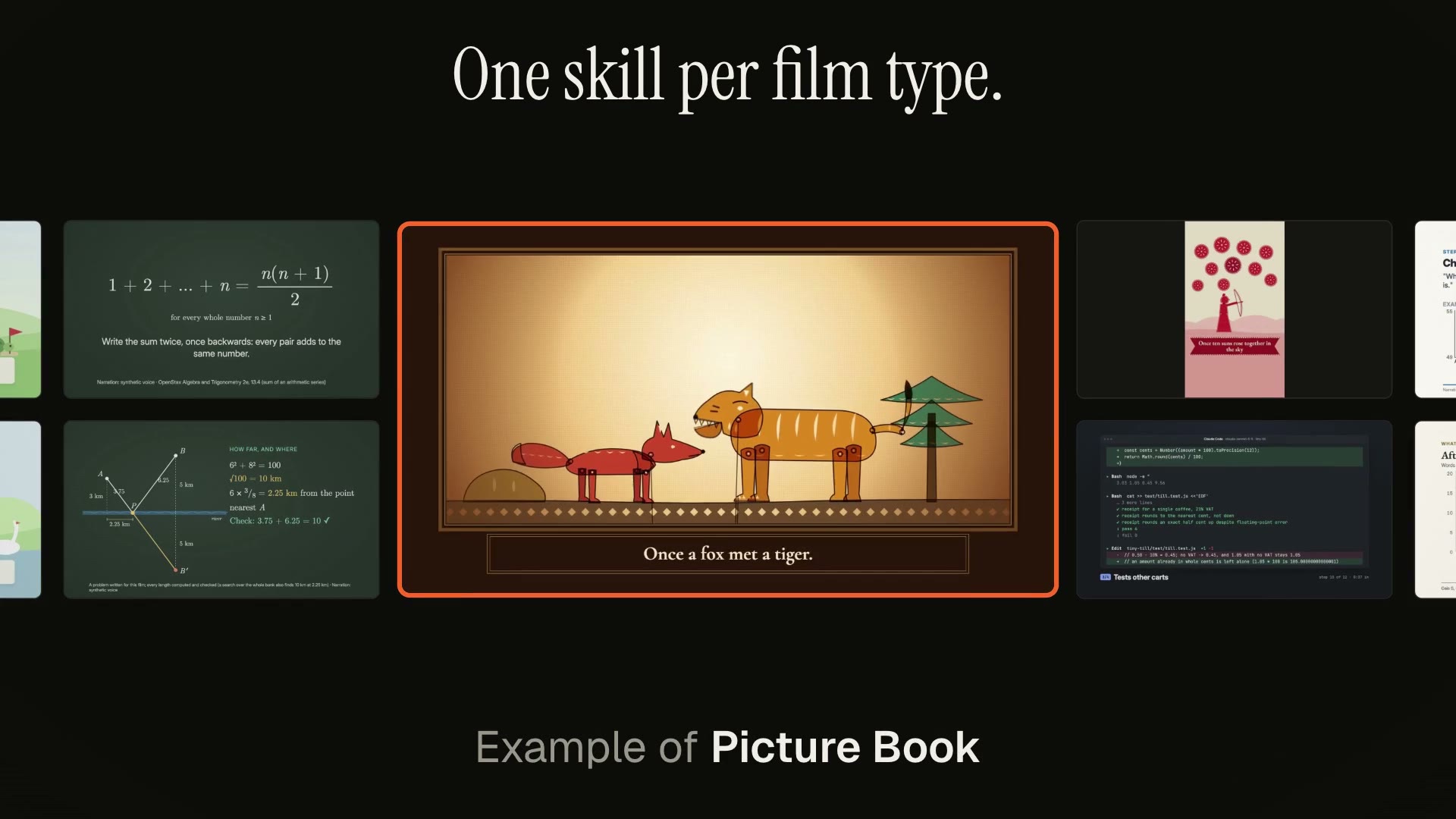
Vídeos hechos con ella
Solo hace falta
Sin clave de APICon uno de estos basta
- Una web o app
- Código, un PR o una sesión de agente
Dependencias
Node.js 22+, FFmpeg, Chrome. Sin claves de API.
Antes de empezar, tu agente ejecuta mo doctor para comprobar Node.js, FFmpeg y Chrome y te dice cómo instalar lo que falte; si esta skill necesita algo más (como whisper para los subtítulos), sus instrucciones lo indican.
Prompt de ejemplo
Use the project-to-launch skill to make a 20-second launch video for this project, polished tone, 16:9.
Prompt de estilo (Claude Motion u Opus 5.5)
Make a 20-second 16:9 launch video for [who will watch, e.g. people who keep house plants], playing [where, e.g. our landing page and X]. Use only the product name, lines, screenshot and numbers I give below; don't change a word or number.

Scene 1: a two-line hook, the second line in the accent color. Scene 2: the logo and the one-line pitch. Scene 3: the app at work: a cursor types the example input, clicks the main button, and three results appear one by one. Scene 4: the proof number counts up. End frame: product name, tagline and a "Try it free" button, held for 2 seconds.

Product: [name and what it does] (e.g. Plantpal, turns a photo of a leaf into a care plan)
Hook: [two lines] (e.g. "Your plants" / "are not okay")
Example input and results: [e.g. "Monstera, yellow leaves, droopy" → three care tips]
Proof number: [e.g. "Knows 4,200 houseplants"]
Attach: [a screenshot of your app]
Sin instalar nada: pégalo en Claude Motion (Team o Enterprise) o dáselo a Opus 5.5 para un estilo parecido. El resultado cambia en cada ejecución; la skill trabaja con tu propio material y renderiza en tu ordenador.