← 全部 Skill
發表片
Agent 讀懂你的專案,直接做出有配樂的發表影片。
怎麼用
- 1複製安裝提示詞,貼給你的 Agent。
- 2Agent 先執行 mo doctor,檢查 Node.js、FFmpeg 和 Chrome;缺什麼會告訴你怎麼裝。
- 3把素材交給它,它會在你的電腦上算圖輸出 MP4;想改哪裡,直接說。
貼到 Claude Code、Codex、Cursor 或任何支援 Skill 的 Agent。
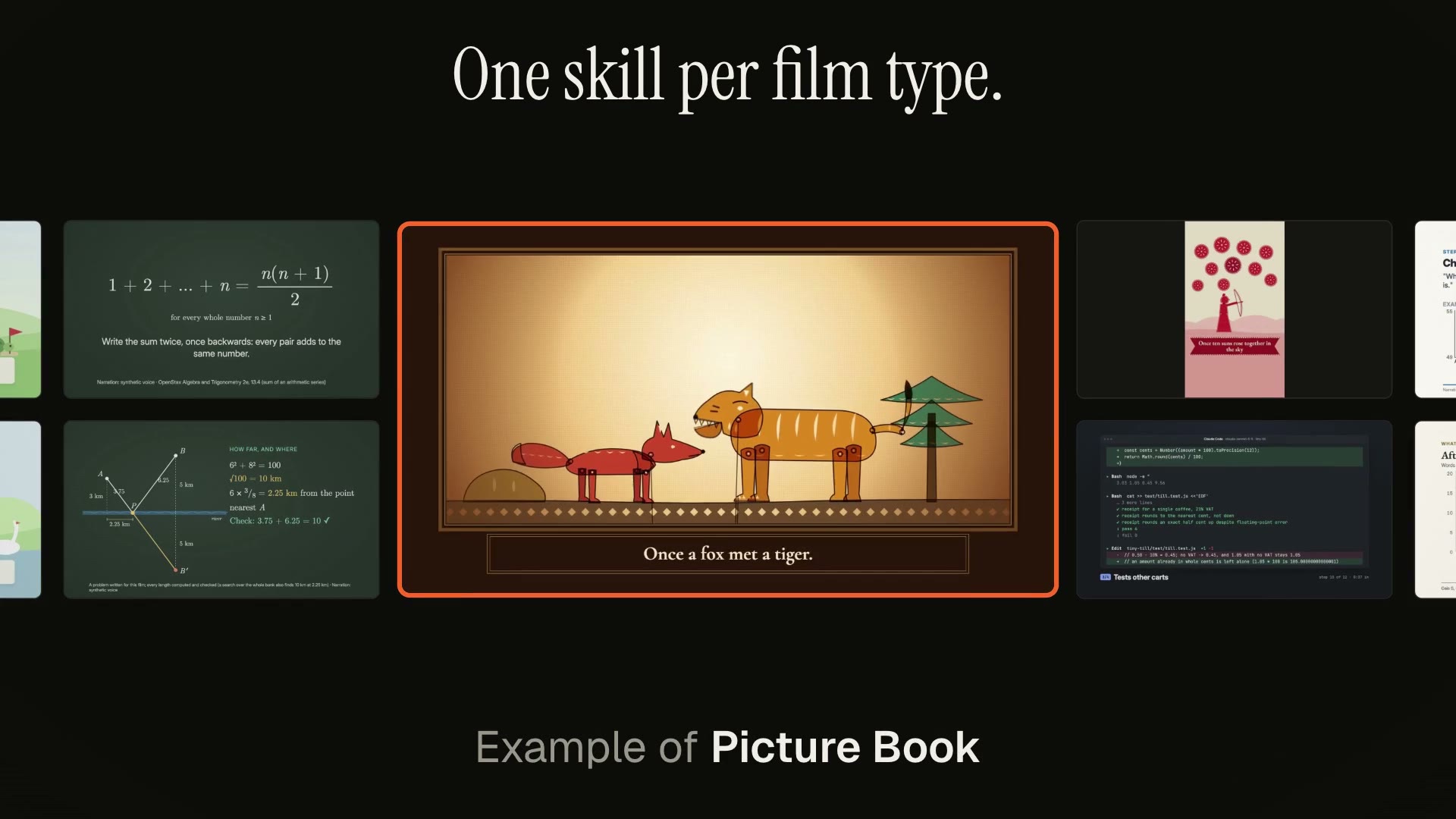
用它做出來的片子
開始只需要
無需 API Key其中任何一樣就行
- 網站或 App
- 程式碼、PR 或 Agent 對話
執行環境
Node.js 22+、FFmpeg、Chrome。不需要 API Key。
開始前,Agent 會執行 mo doctor 檢查 Node.js、FFmpeg 和 Chrome,缺什麼會告訴你怎麼裝;如果這個 Skill 還需要別的(例如字幕要用的 whisper),它的說明裡會寫明。
範例提示詞
Use the project-to-launch skill to make a 20-second launch video for this project, polished tone, 16:9.
風格提示詞(Claude Motion 或 Opus 5.5)
Make a 20-second 16:9 launch video for [who will watch, e.g. people who keep house plants], playing [where, e.g. our landing page and X]. Use only the product name, lines, screenshot and numbers I give below; don't change a word or number.

Scene 1: a two-line hook, the second line in the accent color. Scene 2: the logo and the one-line pitch. Scene 3: the app at work: a cursor types the example input, clicks the main button, and three results appear one by one. Scene 4: the proof number counts up. End frame: product name, tagline and a "Try it free" button, held for 2 seconds.

Product: [name and what it does] (e.g. Plantpal, turns a photo of a leaf into a care plan)
Hook: [two lines] (e.g. "Your plants" / "are not okay")
Example input and results: [e.g. "Monstera, yellow leaves, droopy" → three care tips]
Proof number: [e.g. "Knows 4,200 houseplants"]
Attach: [a screenshot of your app]
無需安裝:貼到 Claude Motion(Team 或 Enterprise),或直接傳給 Opus 5.5,就能得到相近的風格。每次執行結果會有差異;用 Skill 則根據你的素材,在你的電腦上算圖。