Vidéo de prise en main
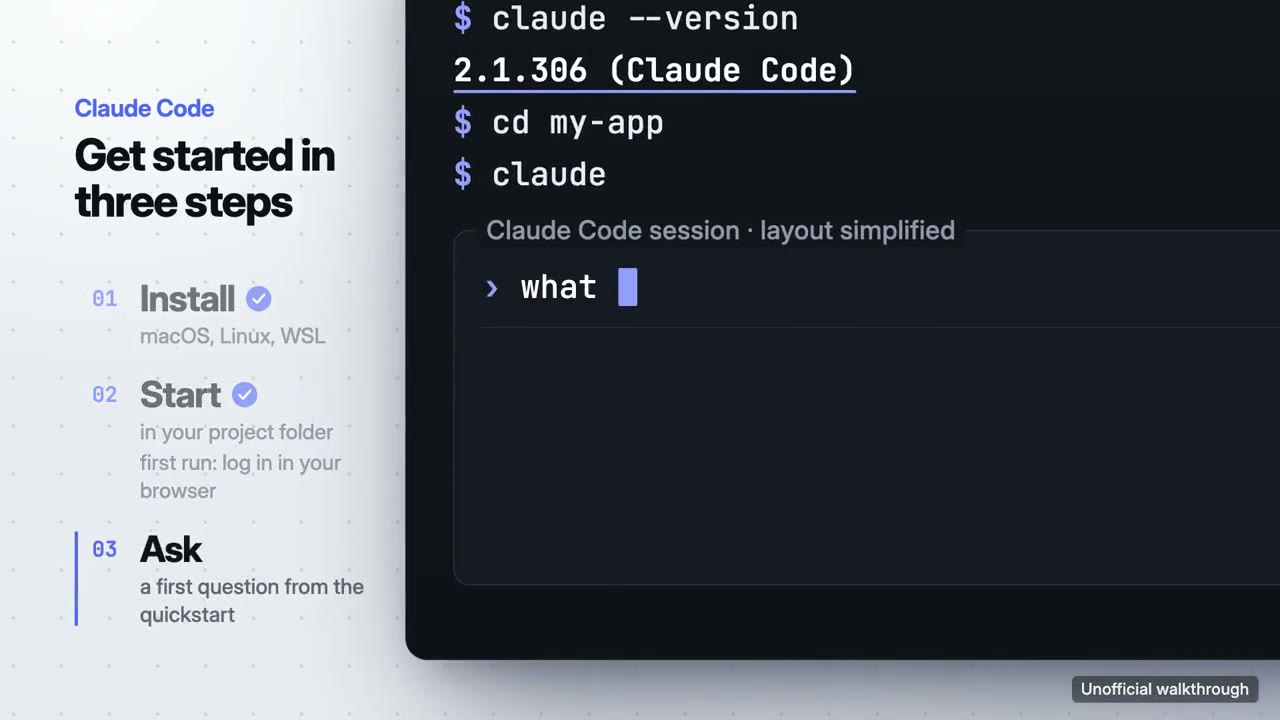
Votre produit utilisé pour de vrai à l'écran : démarrer en trois étapes ou une fonctionnalité, en musique.
Vidéo de prise en main : ses films d'exemple et ses styles →
Comment ça marche
- 1Copiez le prompt d'installation et collez-le dans votre agent.
- 2Votre agent lance mo doctor pour vérifier Node.js, FFmpeg et Chrome, et vous dit comment installer ce qui manque.
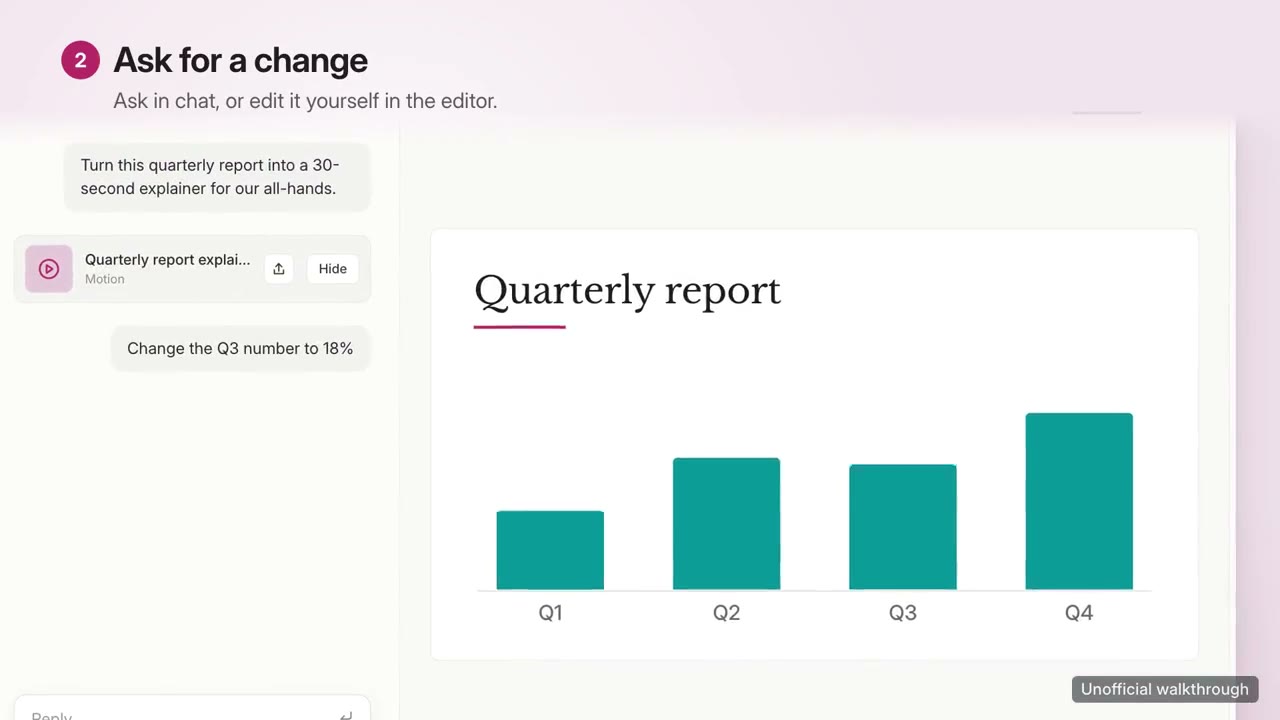
- 3Donnez-lui vos contenus. Il génère un MP4 sur votre ordinateur, et vous demandez des modifications avec vos mots.
Collez-le dans Claude Code, Codex, Cursor ou tout agent compatible avec les skills.
Films qu'il a réalisés
Ce qu'il vous faut
Aucune clé APIC'est tout ce qu'il faut
- Un site ou une app
Dépendances
Node.js 22+, FFmpeg, Chrome. Aucune clé API.
Avant de commencer, votre agent lance mo doctor pour vérifier Node.js, FFmpeg et Chrome et vous dit comment installer ce qui manque ; si ce skill a besoin d'autre chose (comme whisper pour les sous-titres), ses instructions le précisent.
Use the walkthrough-director skill to make a 30-second onboarding walkthrough of this app in three steps, 16:9.
Make a 30-second 16:9 walkthrough for [who will watch, e.g. new users of our app], playing [where, e.g. our docs and onboarding email]. Use only the steps, commands, labels and screenshots I give below; don't change a word.

Show our interface used for real, one step at a time: each step's title settles, a cursor (or typed command) does one action, and the result appears and holds long enough to read. The camera pushes to where each step happens. End frame: the product name and the one command or link to start, held for 2 seconds.

Product: [name] (e.g. Plantpal)
Steps: [three steps] (e.g. "Add a plant" → "Take a photo" → "Get a care plan")
Attach: [screenshots of each step]
Rien à installer : collez-le dans Claude Motion (Team ou Enterprise) ou donnez-le à Opus 5.5 pour un style proche. Le résultat change à chaque exécution ; le skill, lui, part de vos propres contenus et fait le rendu sur votre ordinateur.