← すべてのスキル
反論くつがえし・ローンチ
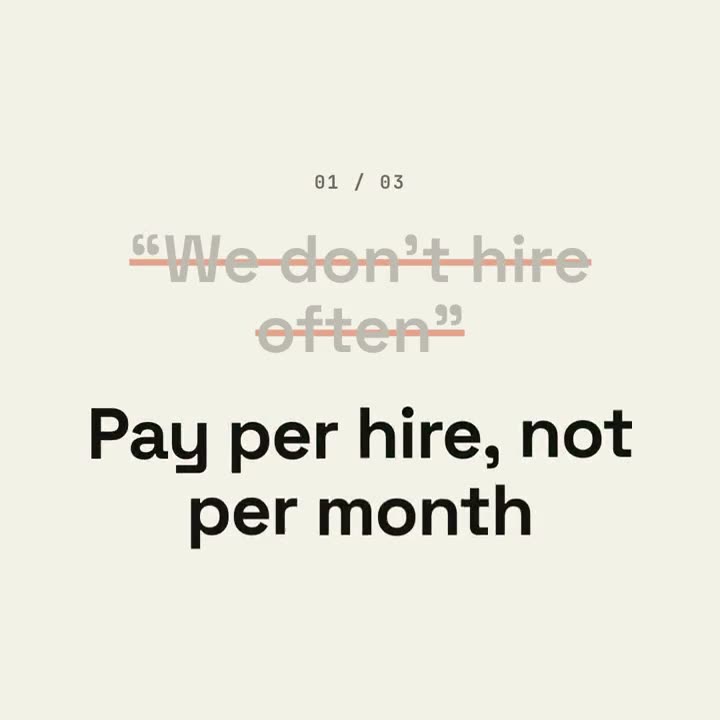
購入をためらう本当の理由を、ビートに合わせて線で消し、プロダクト自身の事実で答えます。
使い方
- 1インストール用プロンプトをコピーして、エージェントに貼り付けます。
- 2エージェントが mo doctor で Node.js・FFmpeg・Chrome を確認し、足りないものがあれば入れ方を案内します。
- 3素材を渡すと、お使いのパソコンで MP4 を書き出します。直したいところは言葉で伝えるだけです。
Claude Code、Codex、Cursor などスキルに対応したエージェントに貼り付けてください。
始めるのに必要なのは
API キー不要どれか 1 つあれば十分
- サイトやアプリ
- 文書・記事・台本
依存環境
Node.js 22+、FFmpeg、Chrome。API キー不要。
始める前に、エージェントが mo doctor で Node.js・FFmpeg・Chrome を確認し、足りないものは入れ方を案内します。このスキルにほかに必要なもの(字幕用の whisper など)があれば、説明に書いてあります。
プロンプト例
Make an objection-launch film from the three questions in our FAQ that block sign-ups, answered with our docs and pricing, ending on our sign-up button and URL.
スタイルプロンプト(Claude Motion または Opus 5.5)
Make a 20-second 16:9 typographic launch for [who will watch, e.g. freelancers who haven't signed up], playing [where, e.g. retargeting ads and X]. Use only the objections and answers below; don't soften or change them. Near-black background.

Scene 1: the opening line rises word by word. Scenes 2–4, one per objection: a small counter "01 / 03", the objection in gray quotes gets struck through with an orange line and shrinks, and the bold white answer pops in word by word with a faint orange flash on the background. Scene 5: the closing question slams in word by word. End frame: the product name, an orange call-to-action button and the URL.

Opening line: [e.g. "You've heard it all before."]
Three objections and answers: [e.g. "Too expensive" → "Free until you send 50 invoices"]
Closing question: [e.g. "So, what's stopping you?"]
Product, call to action and URL: [e.g. Ledgerly, "Try Ledgerly free", ledgerly.io]
インストールは不要です。Claude Motion(Team または Enterprise)に貼り付けるか、Opus 5.5 に渡すと、近いルックになります。結果は実行のたびに変わります。スキルなら、手持ちの素材をもとに、お使いのパソコンで書き出します。