← 全部 Skill
異議反轉發表影片
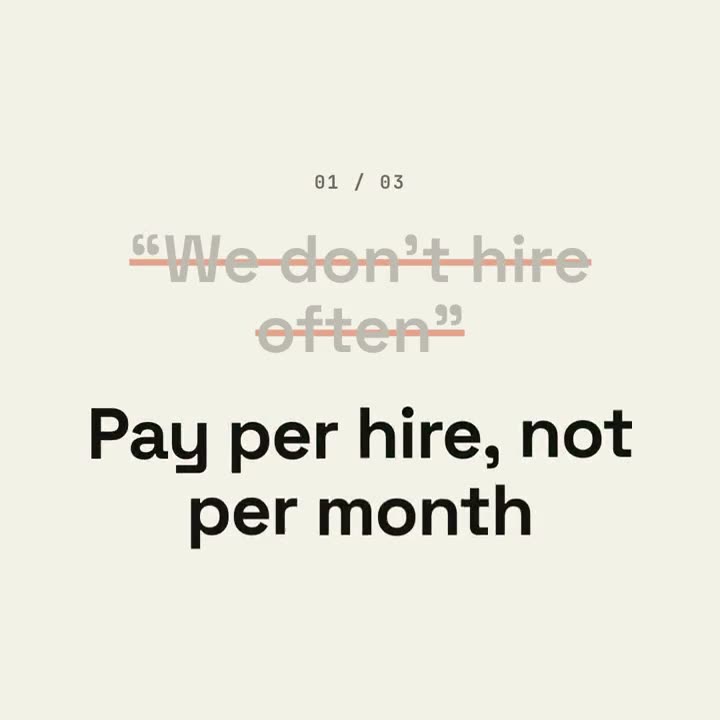
買家真實的疑慮,踩著節拍被一筆劃掉,再用你產品自己的事實作答。
怎麼用
- 1複製安裝提示詞,貼給你的 Agent。
- 2Agent 先執行 mo doctor,檢查 Node.js、FFmpeg 和 Chrome;缺什麼會告訴你怎麼裝。
- 3把素材交給它,它會在你的電腦上算圖輸出 MP4;想改哪裡,直接說。
貼到 Claude Code、Codex、Cursor 或任何支援 Skill 的 Agent。
開始只需要
無需 API Key其中任何一樣就行
- 網站或 App
- 文件、文章或腳本
執行環境
Node.js 22+、FFmpeg、Chrome。不需要 API Key。
開始前,Agent 會執行 mo doctor 檢查 Node.js、FFmpeg 和 Chrome,缺什麼會告訴你怎麼裝;如果這個 Skill 還需要別的(例如字幕要用的 whisper),它的說明裡會寫明。
範例提示詞
Make an objection-launch film from the three questions in our FAQ that block sign-ups, answered with our docs and pricing, ending on our sign-up button and URL.
風格提示詞(Claude Motion 或 Opus 5.5)
Make a 20-second 16:9 typographic launch for [who will watch, e.g. freelancers who haven't signed up], playing [where, e.g. retargeting ads and X]. Use only the objections and answers below; don't soften or change them. Near-black background.

Scene 1: the opening line rises word by word. Scenes 2–4, one per objection: a small counter "01 / 03", the objection in gray quotes gets struck through with an orange line and shrinks, and the bold white answer pops in word by word with a faint orange flash on the background. Scene 5: the closing question slams in word by word. End frame: the product name, an orange call-to-action button and the URL.

Opening line: [e.g. "You've heard it all before."]
Three objections and answers: [e.g. "Too expensive" → "Free until you send 50 invoices"]
Closing question: [e.g. "So, what's stopping you?"]
Product, call to action and URL: [e.g. Ledgerly, "Try Ledgerly free", ledgerly.io]
無需安裝:貼到 Claude Motion(Team 或 Enterprise),或直接傳給 Opus 5.5,就能得到相近的風格。每次執行結果會有差異;用 Skill 則根據你的素材,在你的電腦上算圖。