← すべてのスキル
ホワイトボード解説
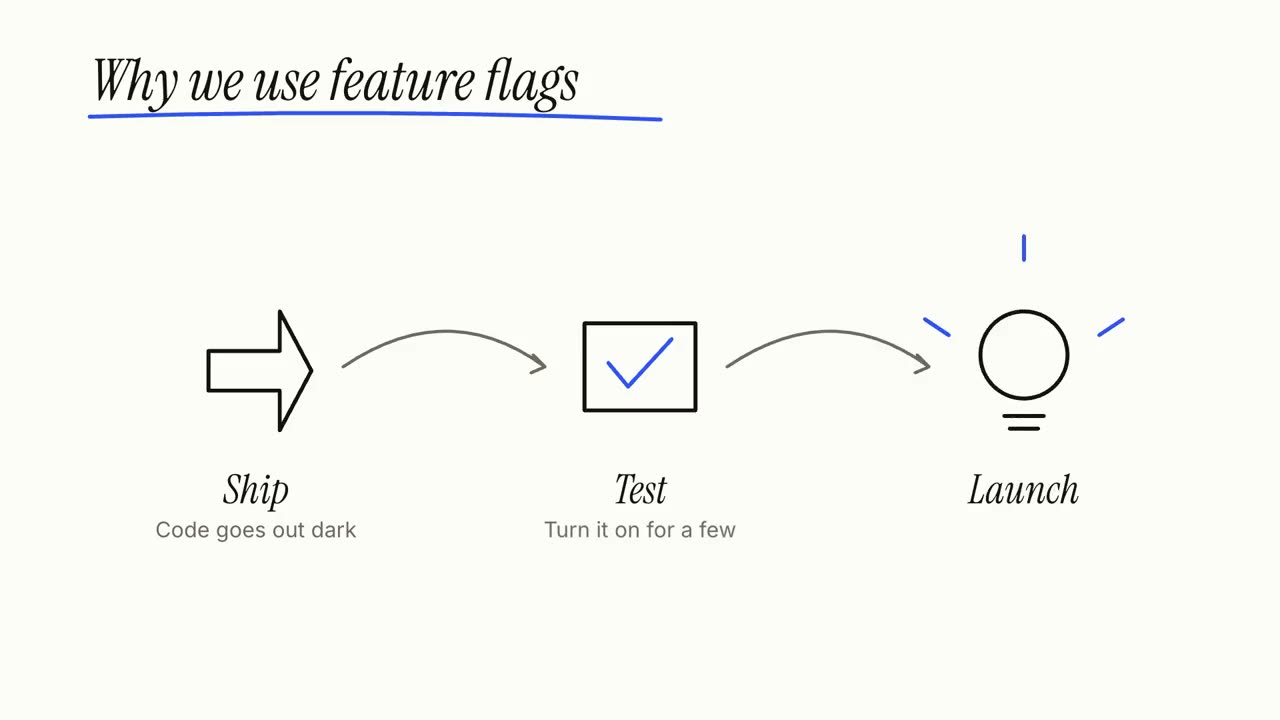
ひとつのアイデアを、説明しながら手で描きます。ステップを描き、つなぎ、最後にまとめます。
使い方
- 1インストール用プロンプトをコピーして、エージェントに貼り付けます。
- 2エージェントが mo doctor で Node.js・FFmpeg・Chrome を確認し、足りないものがあれば入れ方を案内します。
- 3素材を渡すと、お使いのパソコンで MP4 を書き出します。直したいところは言葉で伝えるだけです。
Claude Code、Codex、Cursor などスキルに対応したエージェントに貼り付けてください。
始めるのに必要なのは
API キー不要これだけで始められます
- 文書・記事・台本
依存環境
Node.js 22+、FFmpeg、Chrome。API キー不要。
始める前に、エージェントが mo doctor で Node.js・FFmpeg・Chrome を確認し、足りないものは入れ方を案内します。このスキルにほかに必要なもの(字幕用の whisper など)があれば、説明に書いてあります。
プロンプト例
Make a whiteboard explainer of how our product works, from the steps on our homepage, ending on our tagline.
スタイルプロンプト(Claude Motion または Opus 5.5)
Make a 27-second 16:9 whiteboard explainer for [who will watch, e.g. new customers], playing [where, e.g. our help centre]. Use only the topic, steps, main point and source below; don't add facts or numbers.

A marker writes the topic and underlines it in one accent colour. Then each step in turn: a numbered circle and its title, a simple line drawing of it sketched stroke by stroke, one short line beneath, and an arrow that carries the camera along the board to the next step. Each finished step stays readable for at least 2 seconds. An eraser wipes the board. End frame: the main point written large, the steps redrawn small and joined into one picture, and the source on a printed label, held 3 seconds. Marker squeaks on every stroke over a light glockenspiel tune.

Topic: [e.g. "How a heat pump warms a house"]
Steps (3 or 4): [title — one line, e.g. "Pull heat from outside air — even cold air holds some heat"]
Main point: [one short line, e.g. "It moves heat; it doesn't make it."]
Source: [e.g. Wikipedia, "Heat pump"]
インストールは不要です。Claude Motion(Team または Enterprise)に貼り付けるか、Opus 5.5 に渡すと、近いルックになります。結果は実行のたびに変わります。スキルなら、手持ちの素材をもとに、お使いのパソコンで書き出します。