← 全部 Skill
白板講解片
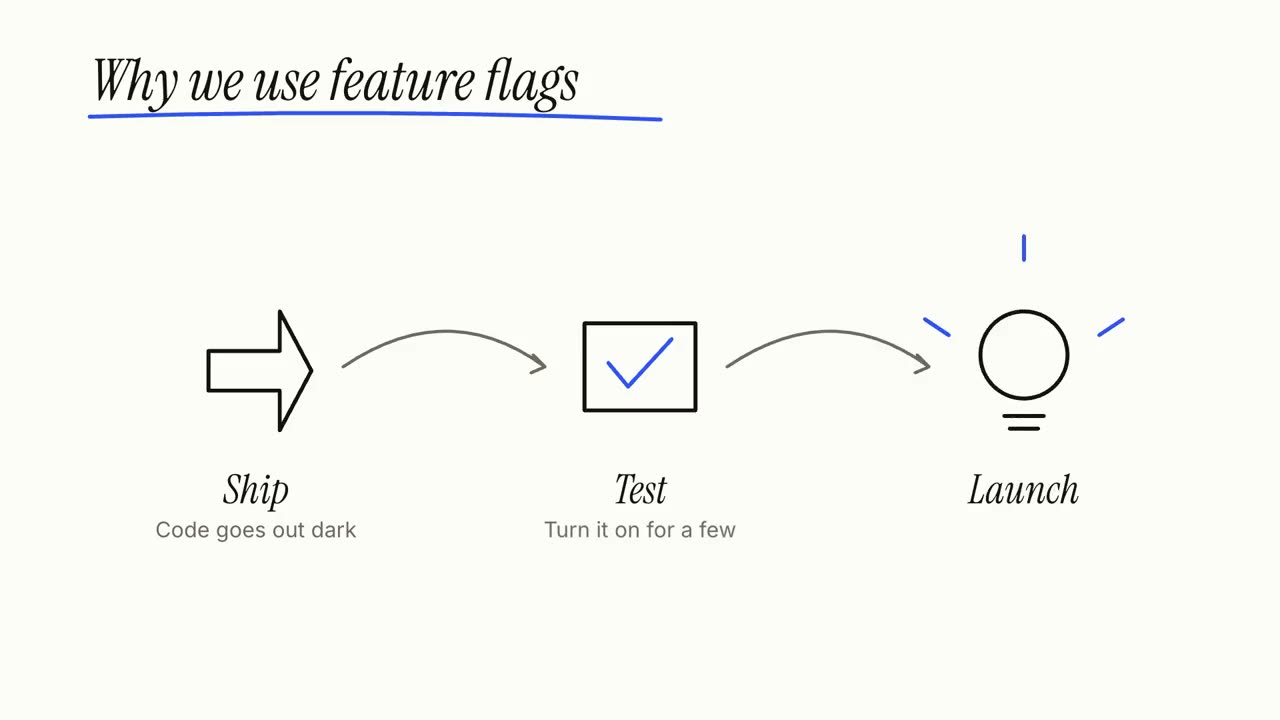
一個想法,邊講邊手繪:步驟逐一畫出、連起來,再做總結。
怎麼用
- 1複製安裝提示詞,貼給你的 Agent。
- 2Agent 先執行 mo doctor,檢查 Node.js、FFmpeg 和 Chrome;缺什麼會告訴你怎麼裝。
- 3把素材交給它,它會在你的電腦上算圖輸出 MP4;想改哪裡,直接說。
貼到 Claude Code、Codex、Cursor 或任何支援 Skill 的 Agent。
開始只需要
無需 API Key有這個就能開始
- 文件、文章或腳本
執行環境
Node.js 22+、FFmpeg、Chrome。不需要 API Key。
開始前,Agent 會執行 mo doctor 檢查 Node.js、FFmpeg 和 Chrome,缺什麼會告訴你怎麼裝;如果這個 Skill 還需要別的(例如字幕要用的 whisper),它的說明裡會寫明。
範例提示詞
Make a whiteboard explainer of how our product works, from the steps on our homepage, ending on our tagline.
風格提示詞(Claude Motion 或 Opus 5.5)
Make a 27-second 16:9 whiteboard explainer for [who will watch, e.g. new customers], playing [where, e.g. our help centre]. Use only the topic, steps, main point and source below; don't add facts or numbers.

A marker writes the topic and underlines it in one accent colour. Then each step in turn: a numbered circle and its title, a simple line drawing of it sketched stroke by stroke, one short line beneath, and an arrow that carries the camera along the board to the next step. Each finished step stays readable for at least 2 seconds. An eraser wipes the board. End frame: the main point written large, the steps redrawn small and joined into one picture, and the source on a printed label, held 3 seconds. Marker squeaks on every stroke over a light glockenspiel tune.

Topic: [e.g. "How a heat pump warms a house"]
Steps (3 or 4): [title — one line, e.g. "Pull heat from outside air — even cold air holds some heat"]
Main point: [one short line, e.g. "It moves heat; it doesn't make it."]
Source: [e.g. Wikipedia, "Heat pump"]
無需安裝:貼到 Claude Motion(Team 或 Enterprise),或直接傳給 Opus 5.5,就能得到相近的風格。每次執行結果會有差異;用 Skill 則根據你的素材,在你的電腦上算圖。