← 전체 스킬
화이트보드 설명
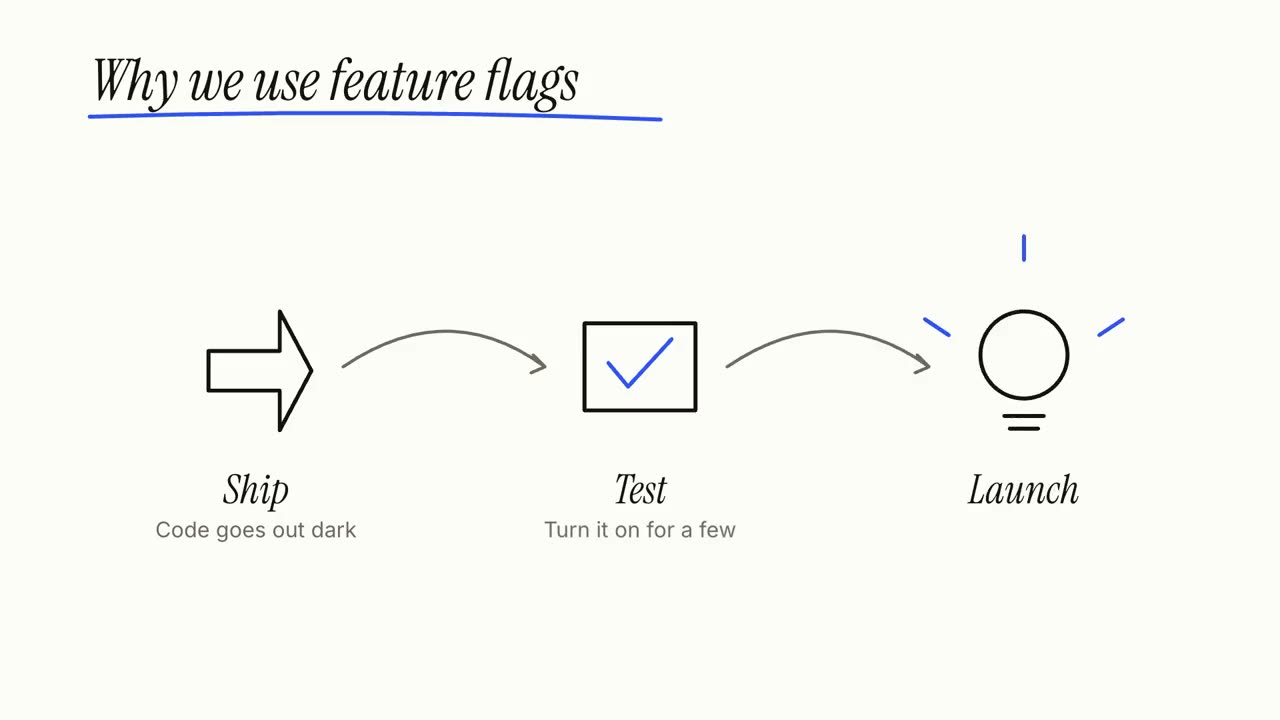
하나의 아이디어를 설명하며 손으로 그립니다. 단계를 그리고, 잇고, 마지막에 정리합니다.
사용 방법
- 1설치 프롬프트를 복사해 에이전트에 붙여 넣으세요.
- 2에이전트가 mo doctor로 Node.js, FFmpeg, Chrome을 확인하고, 없는 것은 설치 방법을 알려 줍니다.
- 3자료를 주면 내 컴퓨터에서 MP4로 렌더링합니다. 고칠 곳은 말로 요청하면 됩니다.
Claude Code, Codex, Cursor 등 스킬을 지원하는 에이전트에 붙여 넣으세요.
시작에 필요한 것
API 키 불필요이것만 있으면 시작할 수 있어요
- 문서, 글 또는 대본
실행 환경
Node.js 22+, FFmpeg, Chrome. API 키 불필요.
시작하기 전에 에이전트가 mo doctor로 Node.js, FFmpeg, Chrome을 확인하고 없는 것은 설치 방법을 알려 줍니다. 이 스킬에 더 필요한 것(자막용 whisper 등)이 있으면 설명에 적혀 있습니다.
프롬프트 예시
Make a whiteboard explainer of how our product works, from the steps on our homepage, ending on our tagline.
스타일 프롬프트 (Claude Motion 또는 Opus 5.5)
Make a 27-second 16:9 whiteboard explainer for [who will watch, e.g. new customers], playing [where, e.g. our help centre]. Use only the topic, steps, main point and source below; don't add facts or numbers.

A marker writes the topic and underlines it in one accent colour. Then each step in turn: a numbered circle and its title, a simple line drawing of it sketched stroke by stroke, one short line beneath, and an arrow that carries the camera along the board to the next step. Each finished step stays readable for at least 2 seconds. An eraser wipes the board. End frame: the main point written large, the steps redrawn small and joined into one picture, and the source on a printed label, held 3 seconds. Marker squeaks on every stroke over a light glockenspiel tune.

Topic: [e.g. "How a heat pump warms a house"]
Steps (3 or 4): [title — one line, e.g. "Pull heat from outside air — even cold air holds some heat"]
Main point: [one short line, e.g. "It moves heat; it doesn't make it."]
Source: [e.g. Wikipedia, "Heat pump"]
설치할 것이 없습니다. Claude Motion(Team 또는 Enterprise)에 붙여 넣거나 Opus 5.5에 주면 비슷한 룩이 나옵니다. 결과는 실행할 때마다 달라집니다. 스킬은 내 자료로 작업하고 내 컴퓨터에서 렌더링합니다.