← Todas as skills
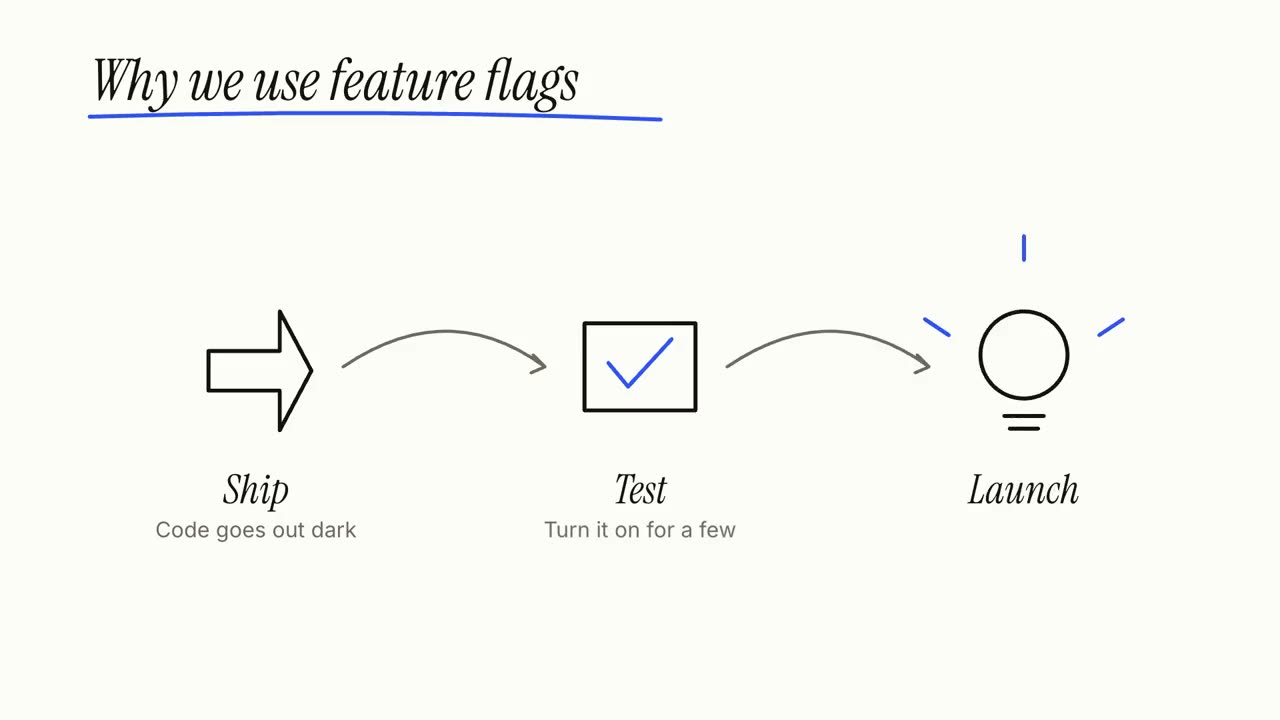
Explicativo em quadro branco
Uma ideia desenhada à mão enquanto é explicada: os passos são rabiscados, ligados e resumidos.
Como funciona
- 1Copie o prompt de instalação e cole no seu agente.
- 2Seu agente roda mo doctor para checar Node.js, FFmpeg e Chrome e diz como instalar o que faltar.
- 3Entregue o seu material. Ele renderiza um MP4 no seu computador, e você pede ajustes com suas palavras.
Cole no Claude Code, no Codex, no Cursor ou em qualquer agente que suporte skills.
Só precisa de
Sem chave de APISó isso já basta
- Um documento, artigo ou roteiro
Dependências
Node.js 22+, FFmpeg, Chrome. Sem chaves de API.
Antes de começar, seu agente roda mo doctor para checar Node.js, FFmpeg e Chrome e diz como instalar o que faltar; se esta skill precisar de mais (como whisper para legendas), as instruções dela avisam.
Prompt de exemplo
Make a whiteboard explainer of how our product works, from the steps on our homepage, ending on our tagline.
Prompt de estilo (Claude Motion ou Opus 5.5)
Make a 27-second 16:9 whiteboard explainer for [who will watch, e.g. new customers], playing [where, e.g. our help centre]. Use only the topic, steps, main point and source below; don't add facts or numbers.

A marker writes the topic and underlines it in one accent colour. Then each step in turn: a numbered circle and its title, a simple line drawing of it sketched stroke by stroke, one short line beneath, and an arrow that carries the camera along the board to the next step. Each finished step stays readable for at least 2 seconds. An eraser wipes the board. End frame: the main point written large, the steps redrawn small and joined into one picture, and the source on a printed label, held 3 seconds. Marker squeaks on every stroke over a light glockenspiel tune.

Topic: [e.g. "How a heat pump warms a house"]
Steps (3 or 4): [title — one line, e.g. "Pull heat from outside air — even cold air holds some heat"]
Main point: [one short line, e.g. "It moves heat; it doesn't make it."]
Source: [e.g. Wikipedia, "Heat pump"]
Nada para instalar: cole no Claude Motion (Team ou Enterprise) ou dê ao Opus 5.5 para um visual parecido. O resultado muda a cada execução; a skill trabalha com o seu material e renderiza no seu computador.